Browse the GTA VI weapon catalog or switch to console gear and setup guides.
November 19, 2026 · Launch edition
LAUNCH CATALOG / NOVEMBER 2026
The in-game weapon catalog.
92 catalog entries covering weapons, throwables, equipment and variants. Entries with verified launch-menu ratings use a 0–10 scale. These are fictional GTA VI stats, not real-world specifications. “—” means not listed or not verified. Rockstar images appear on matching cards. Other cards link out to in-game references rather than republishing those images.
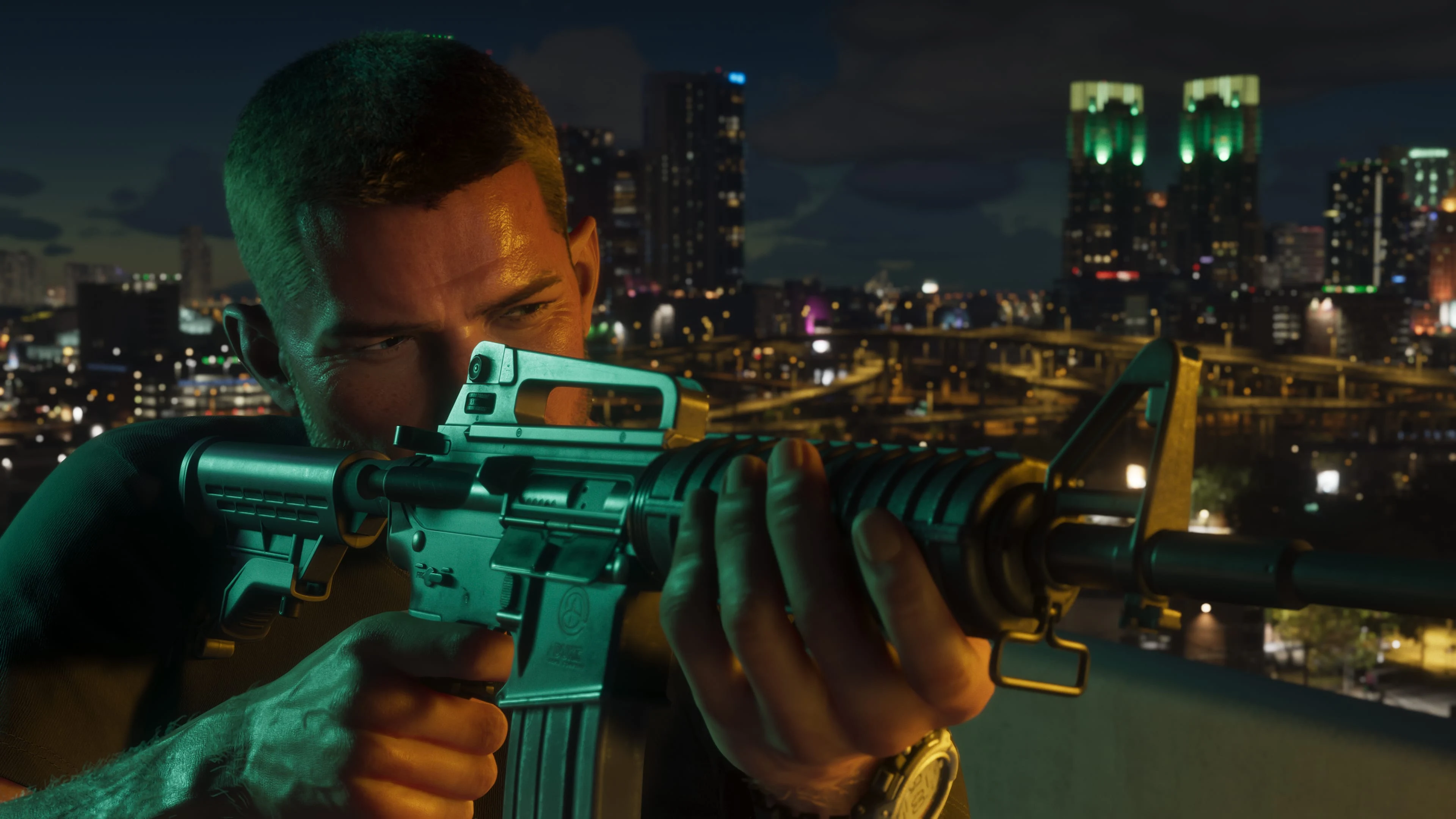
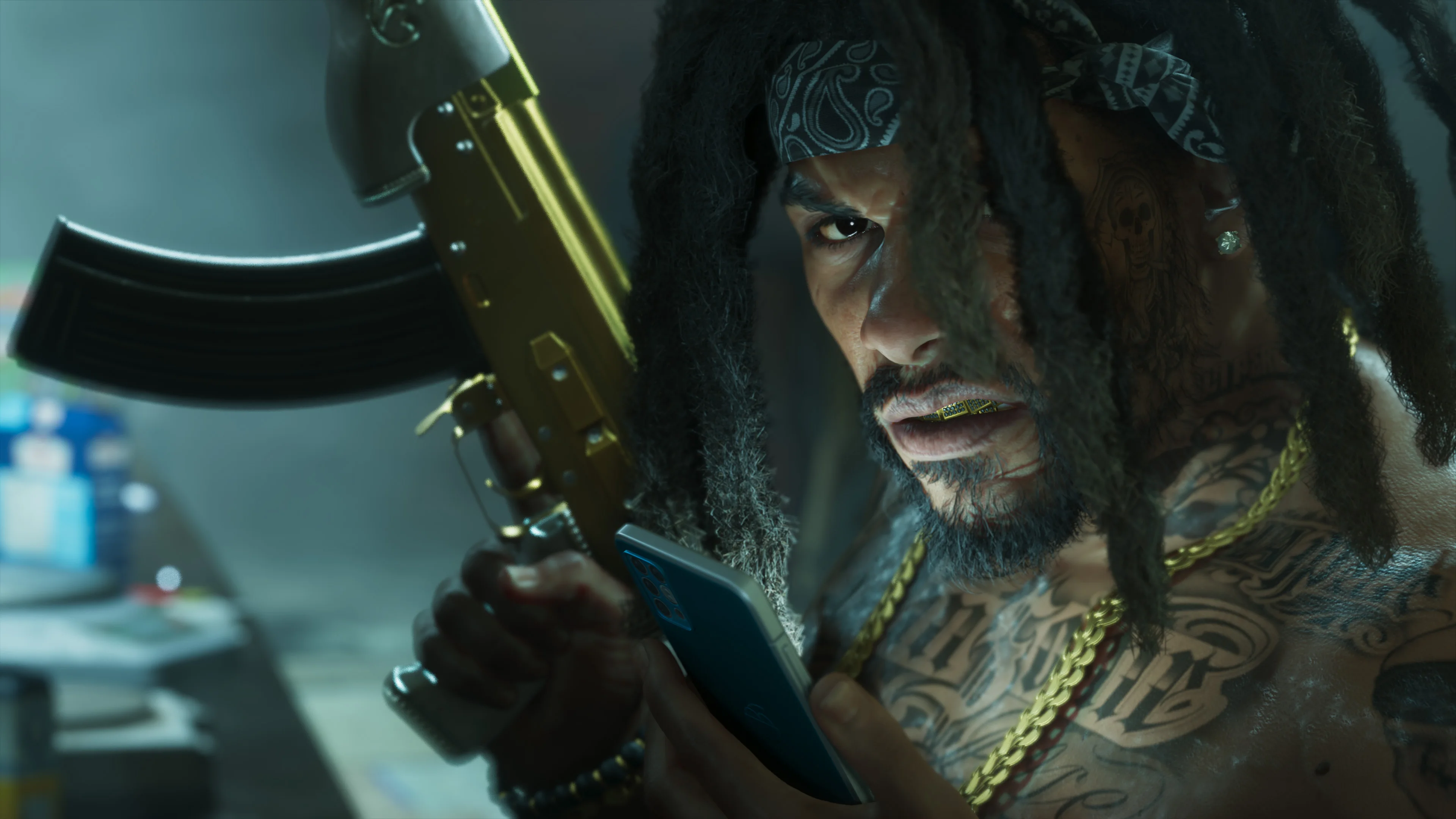
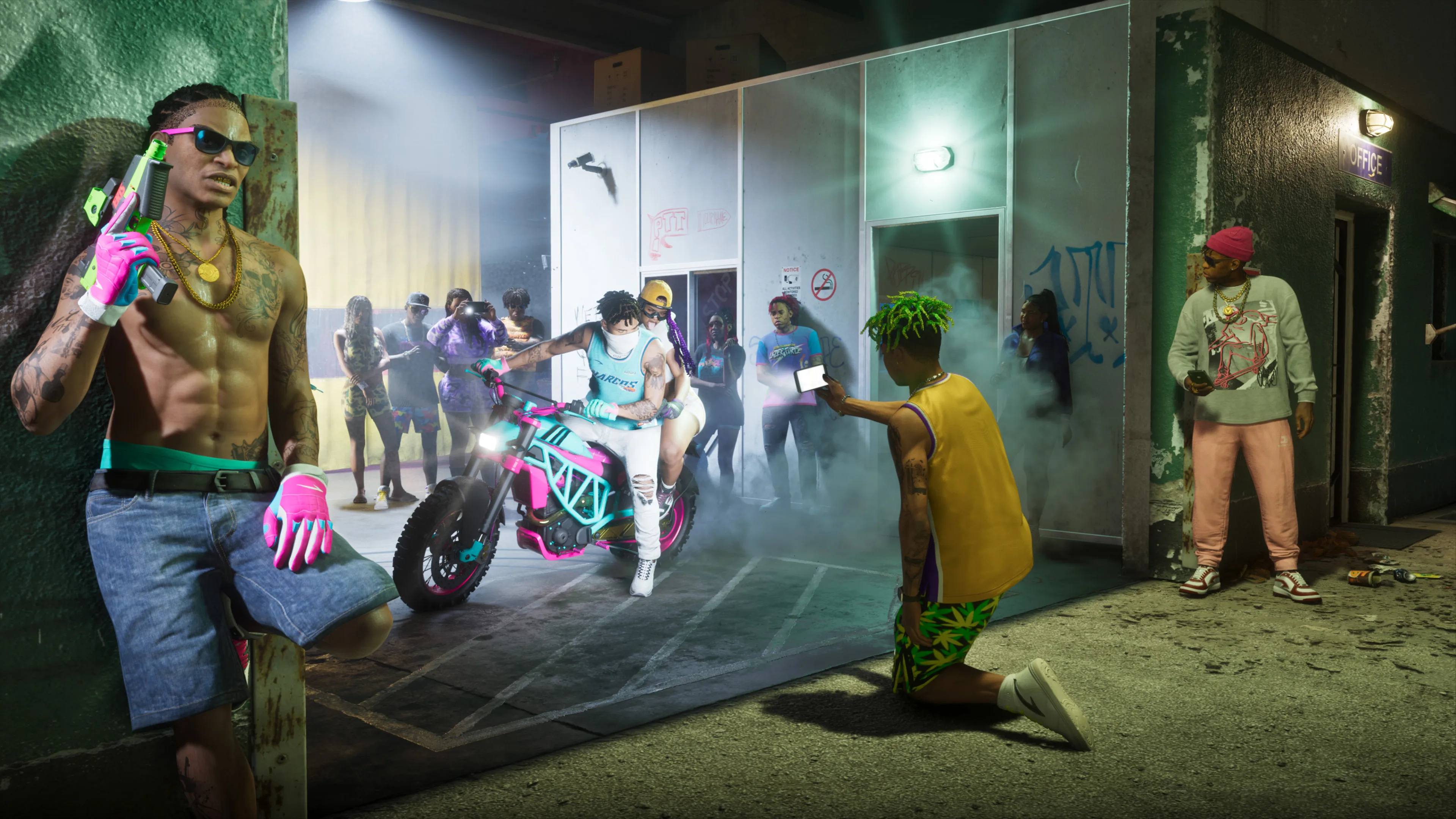
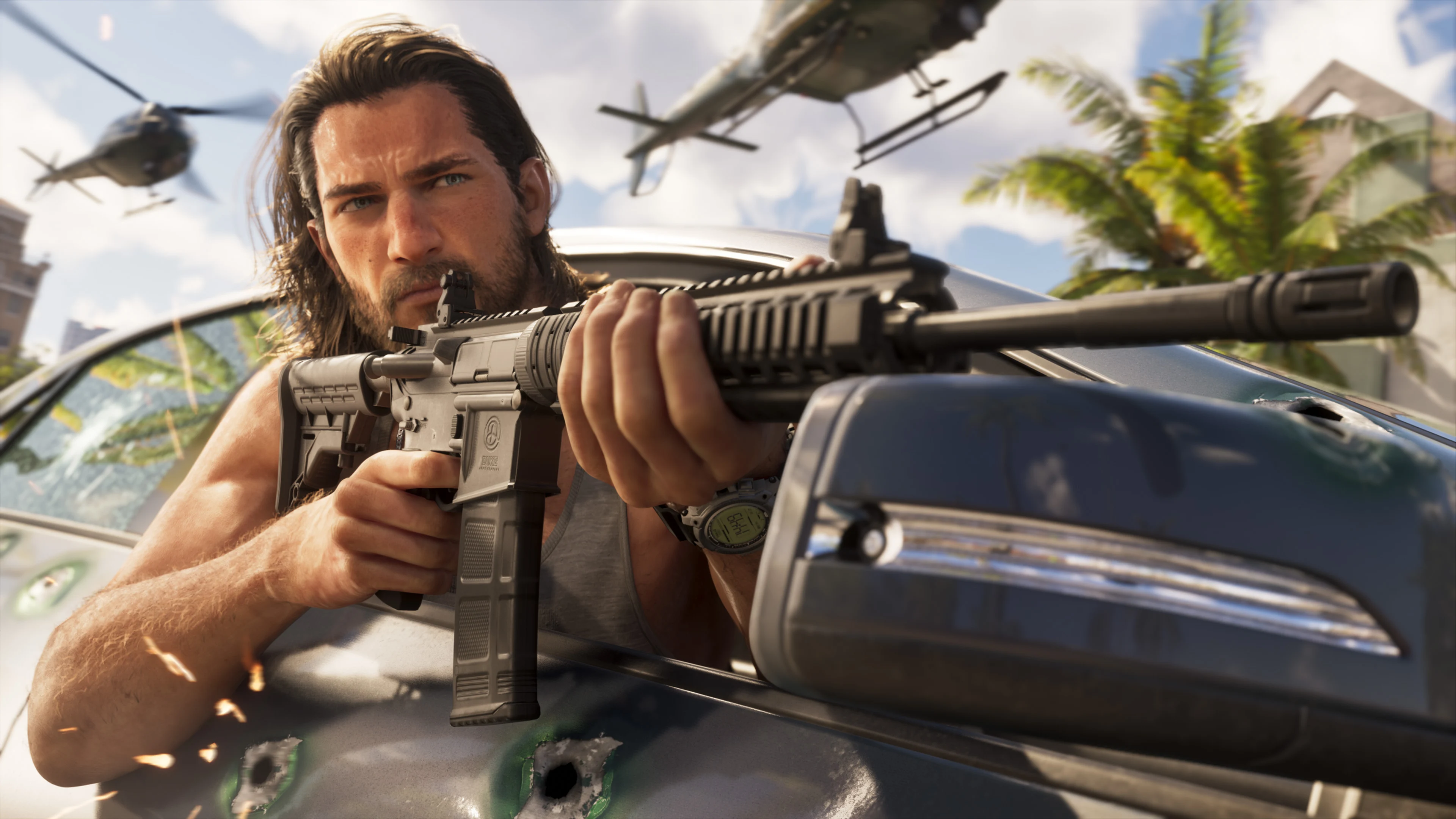
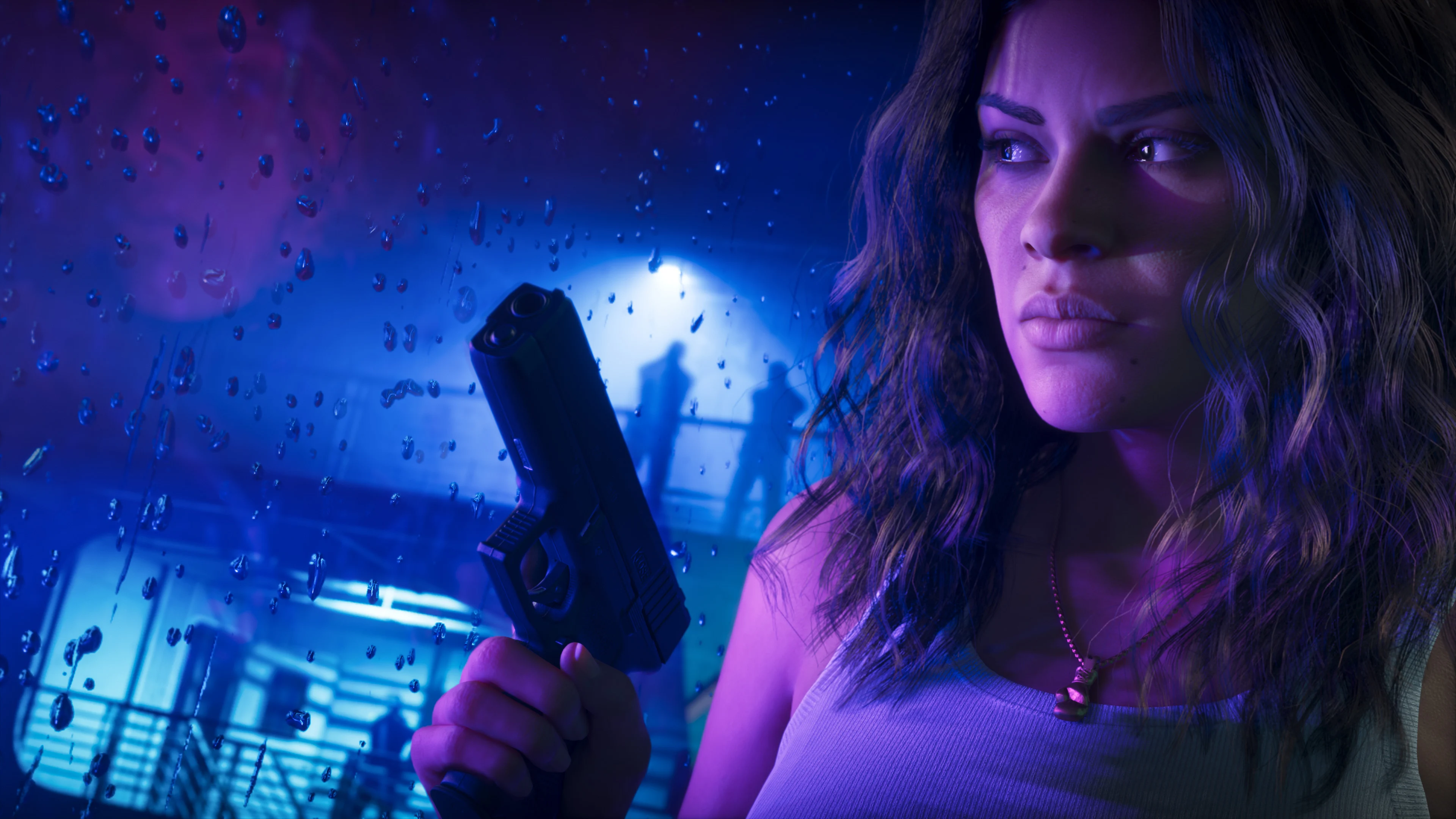
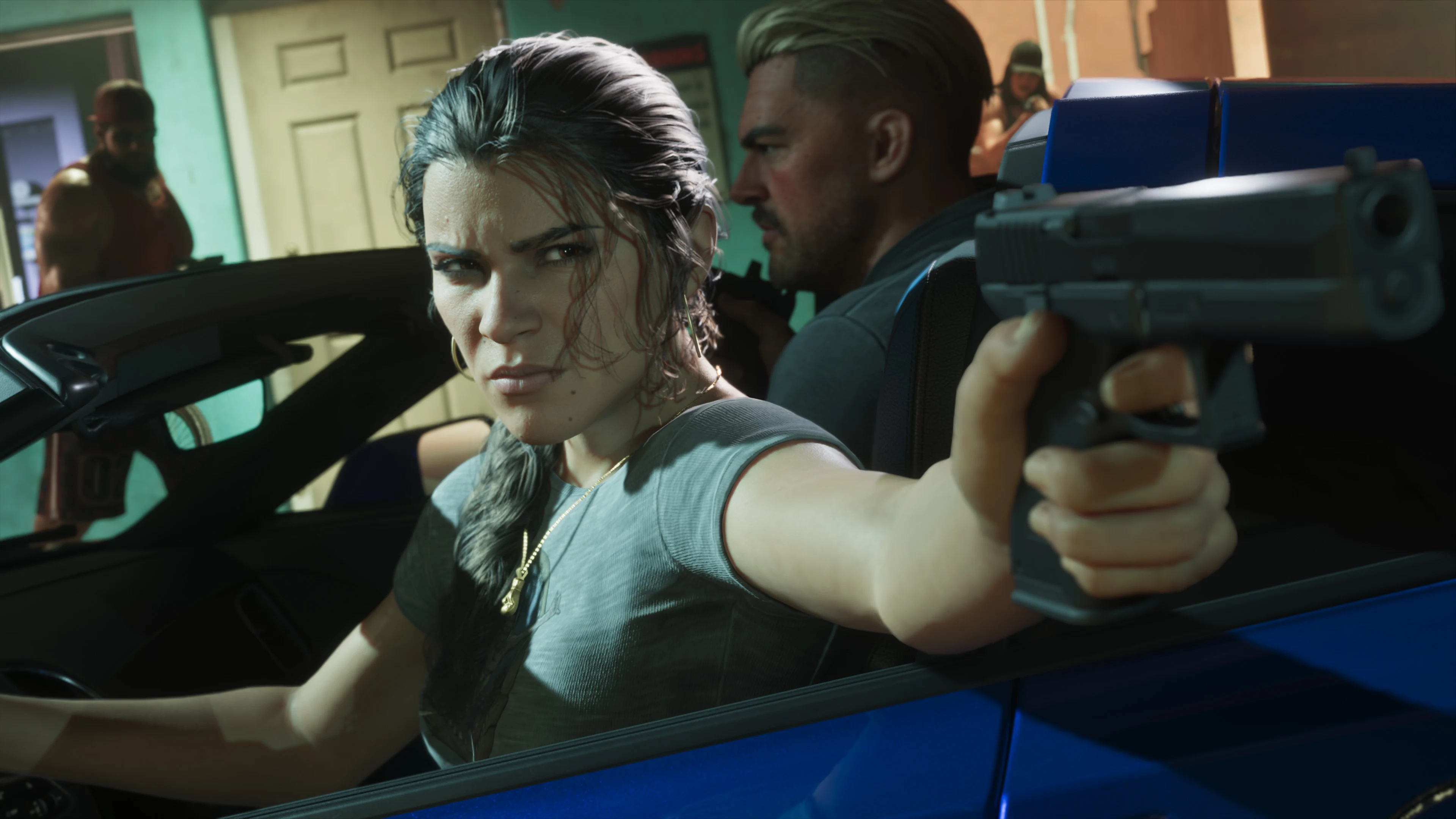
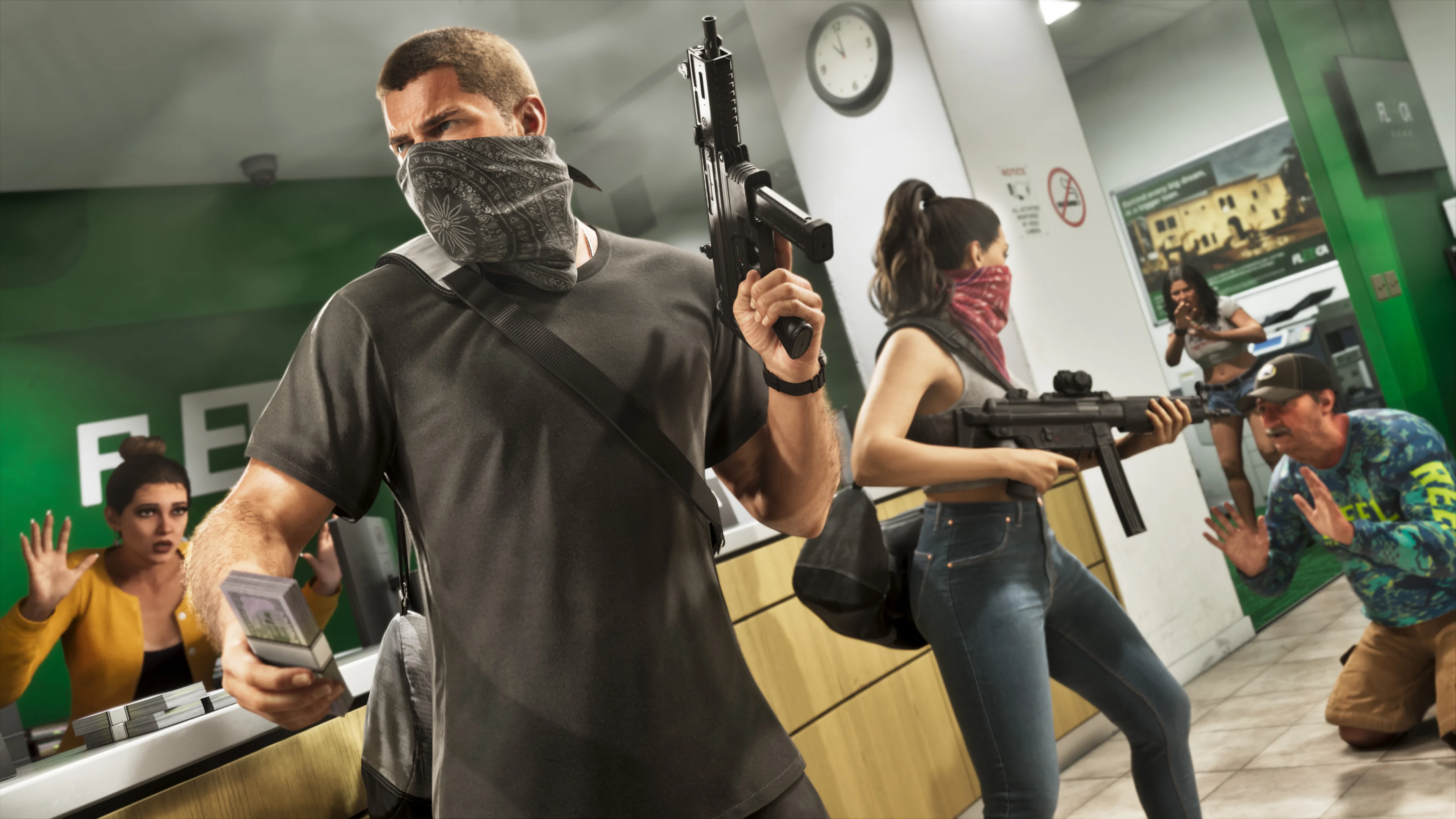
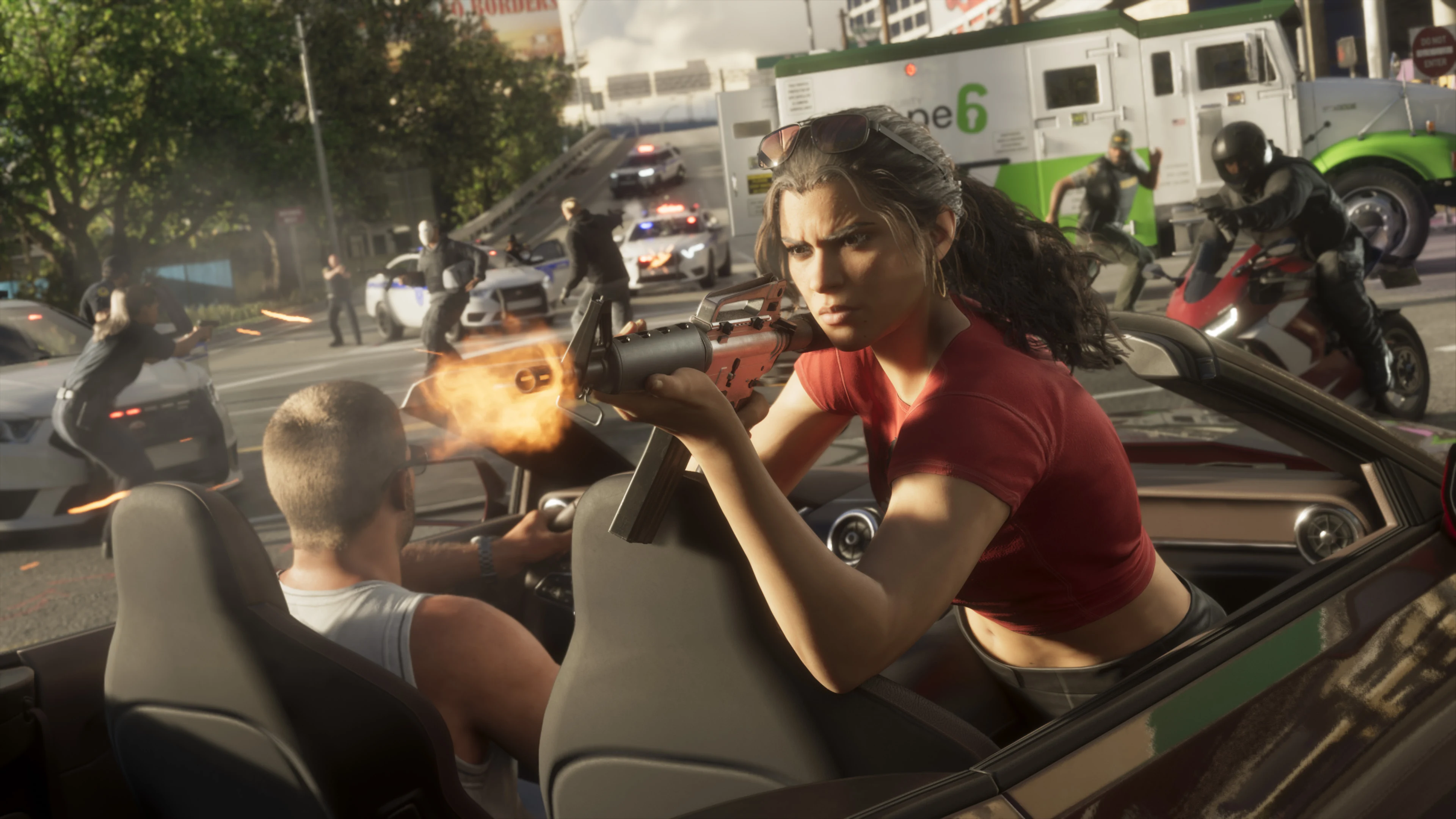
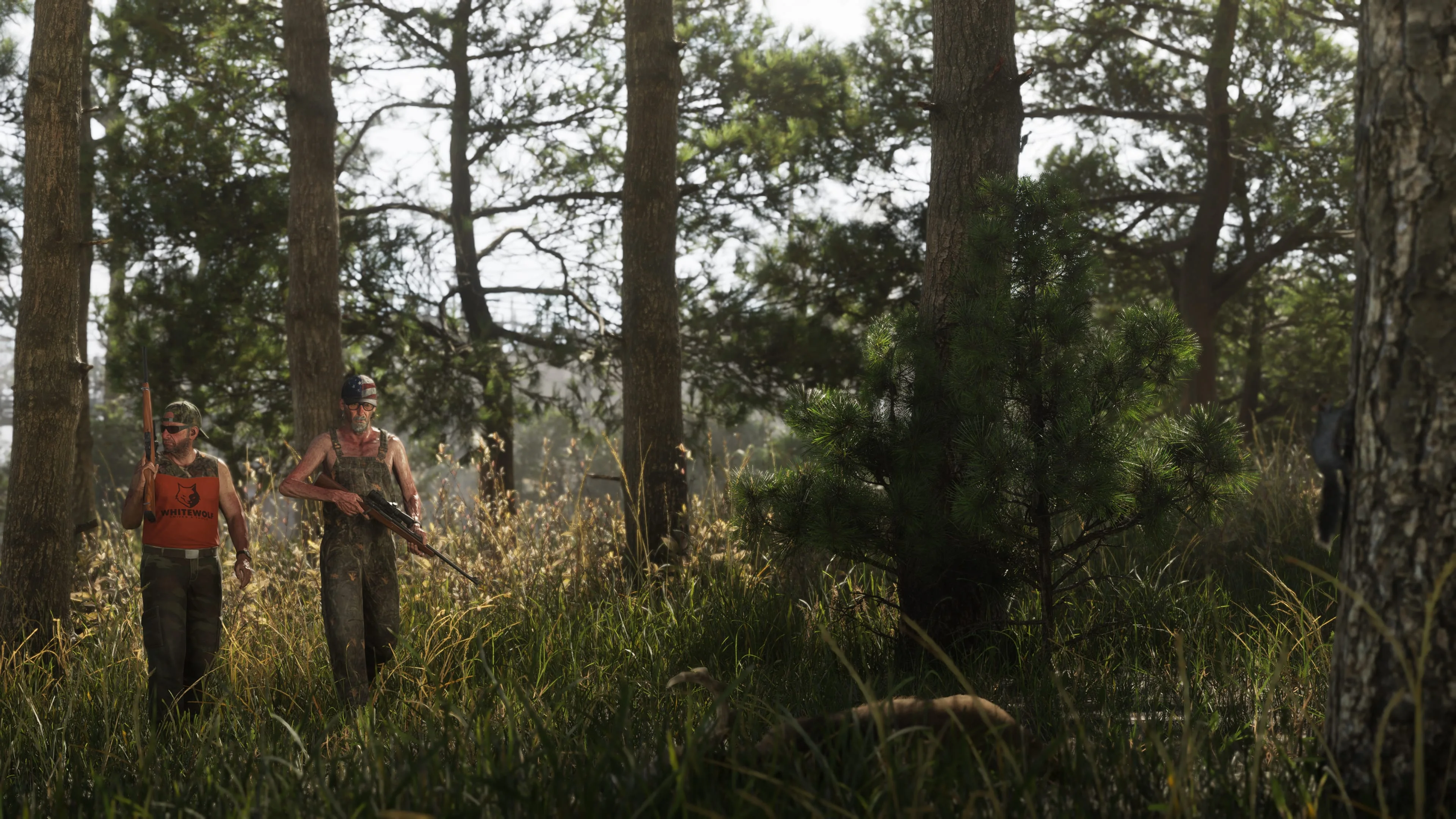
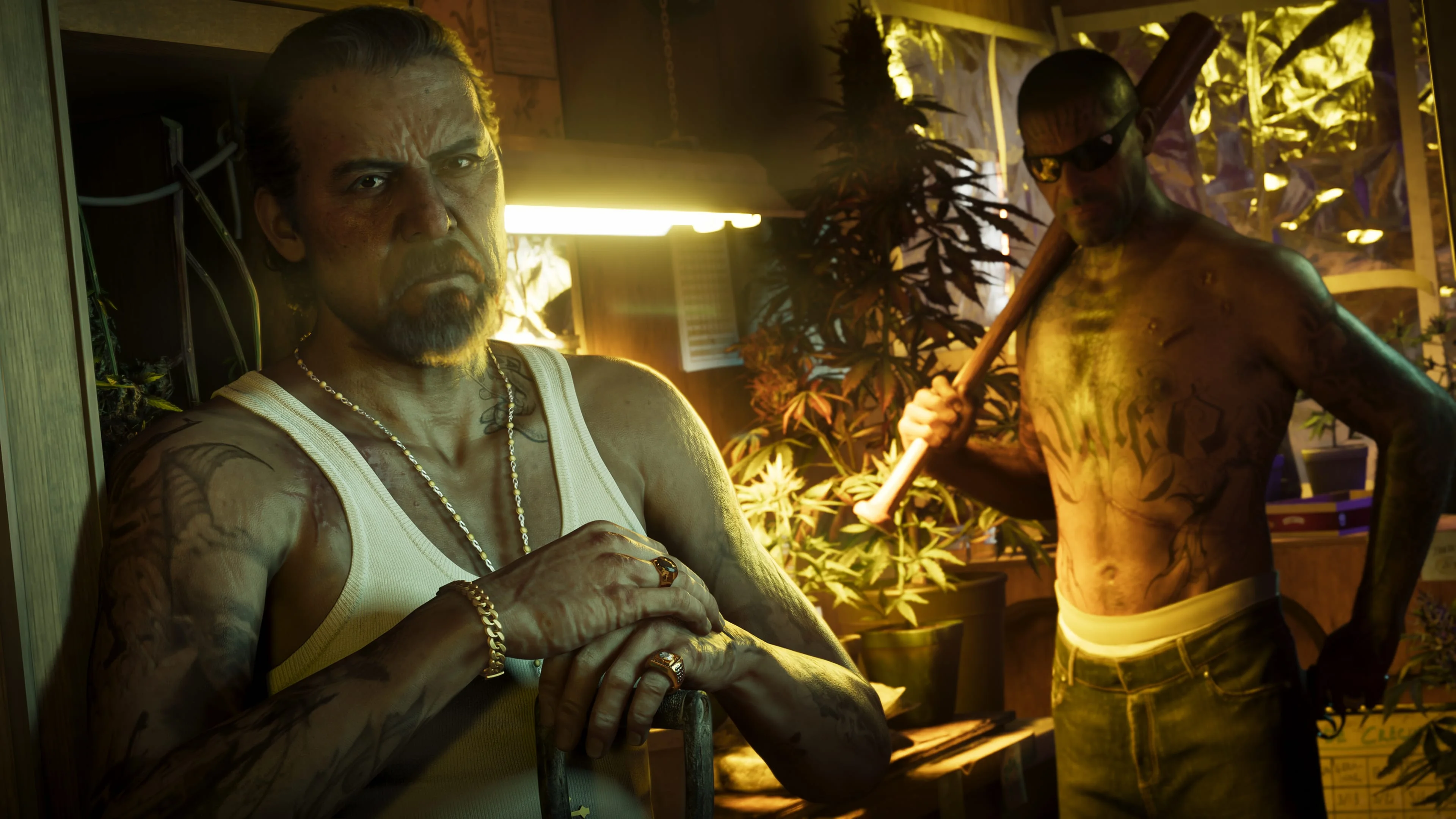
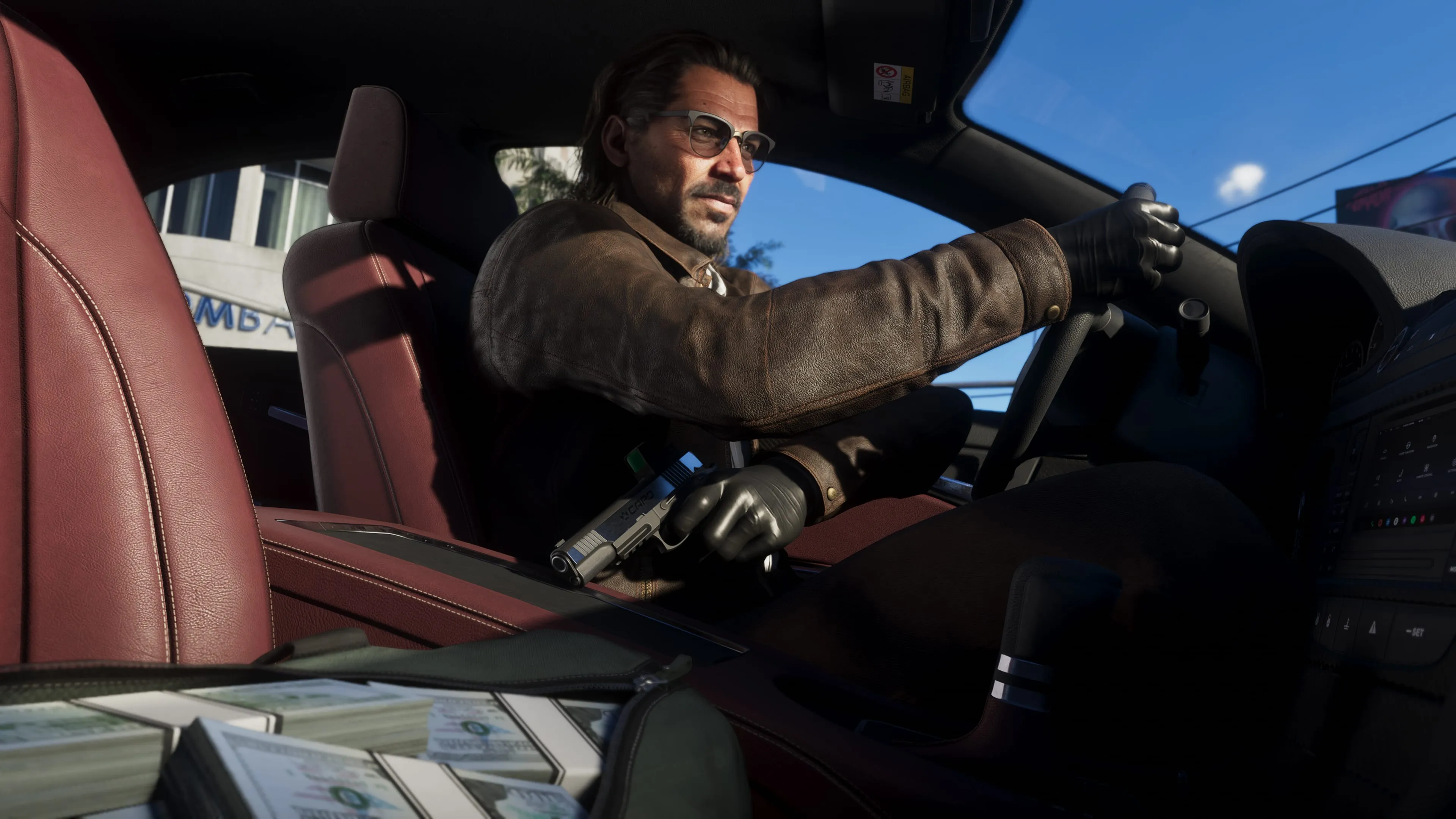
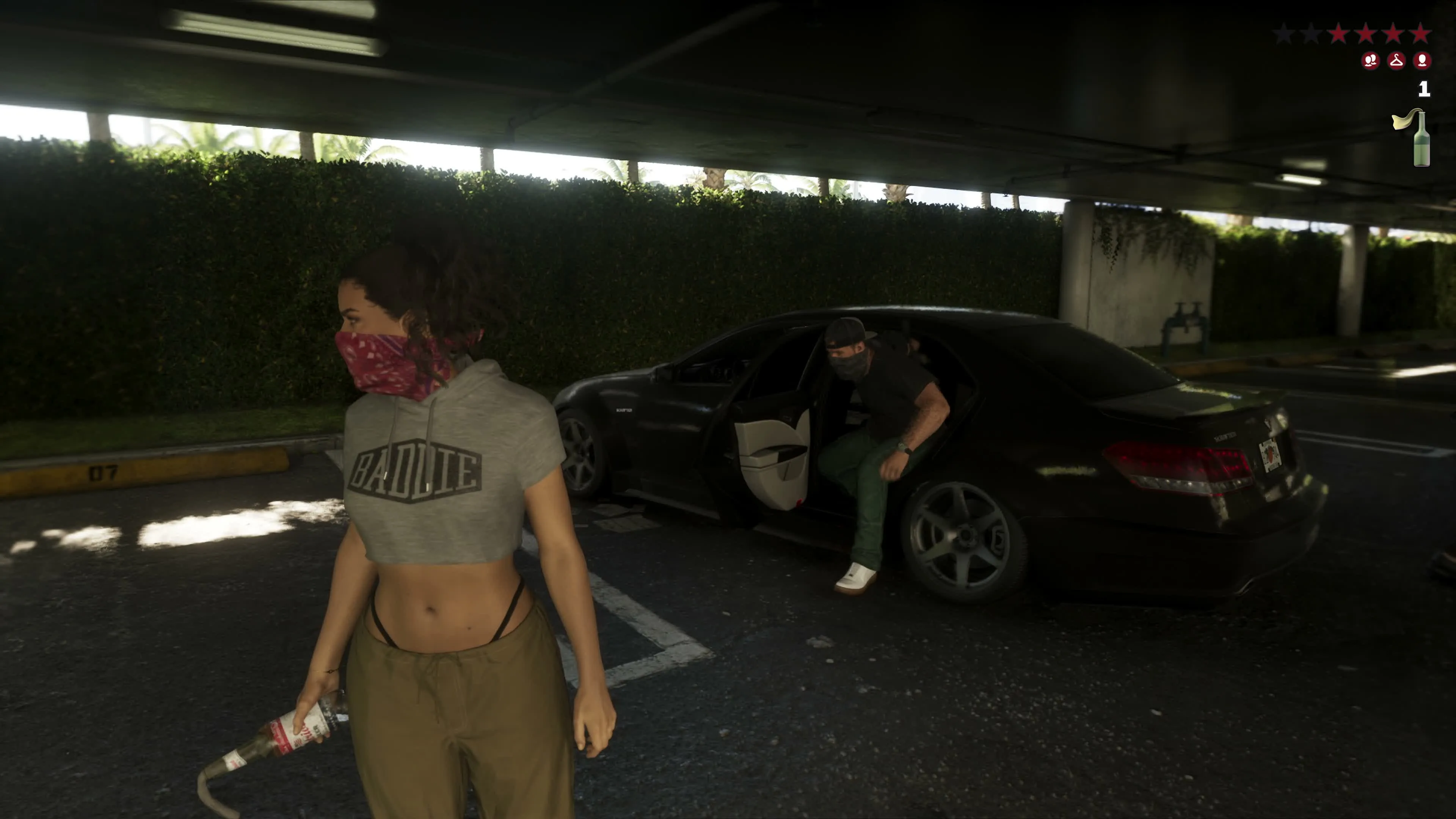
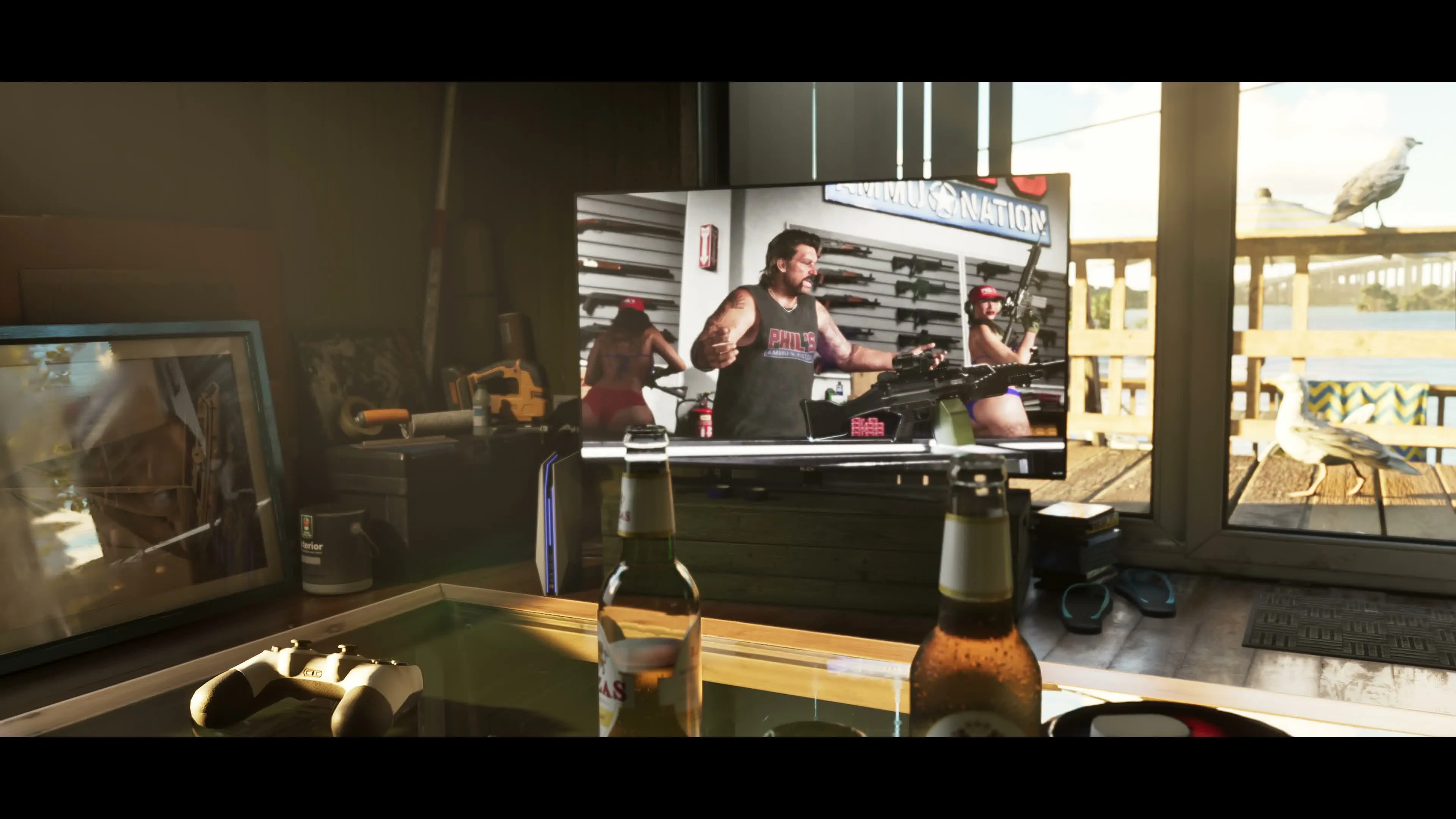
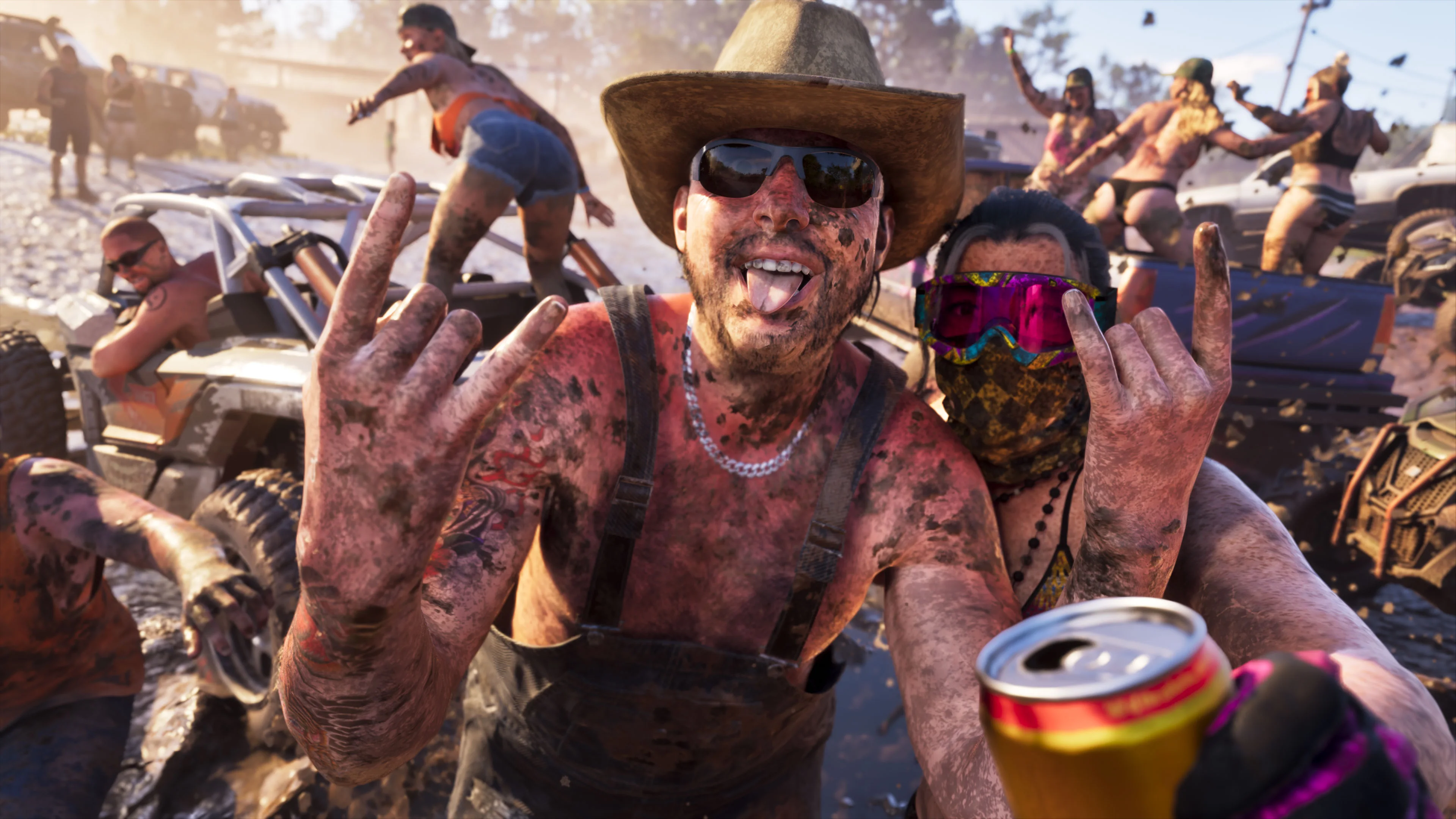
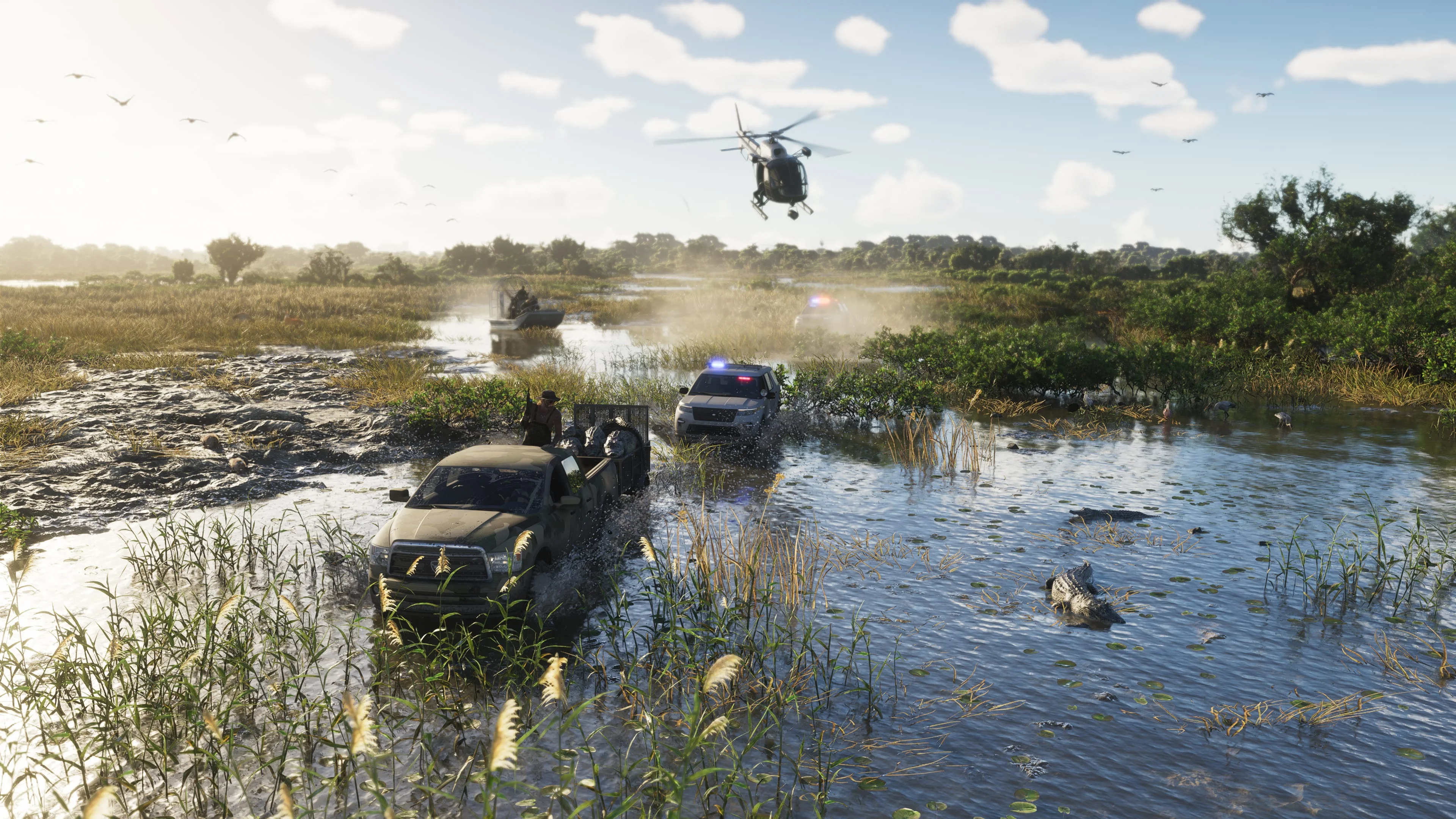
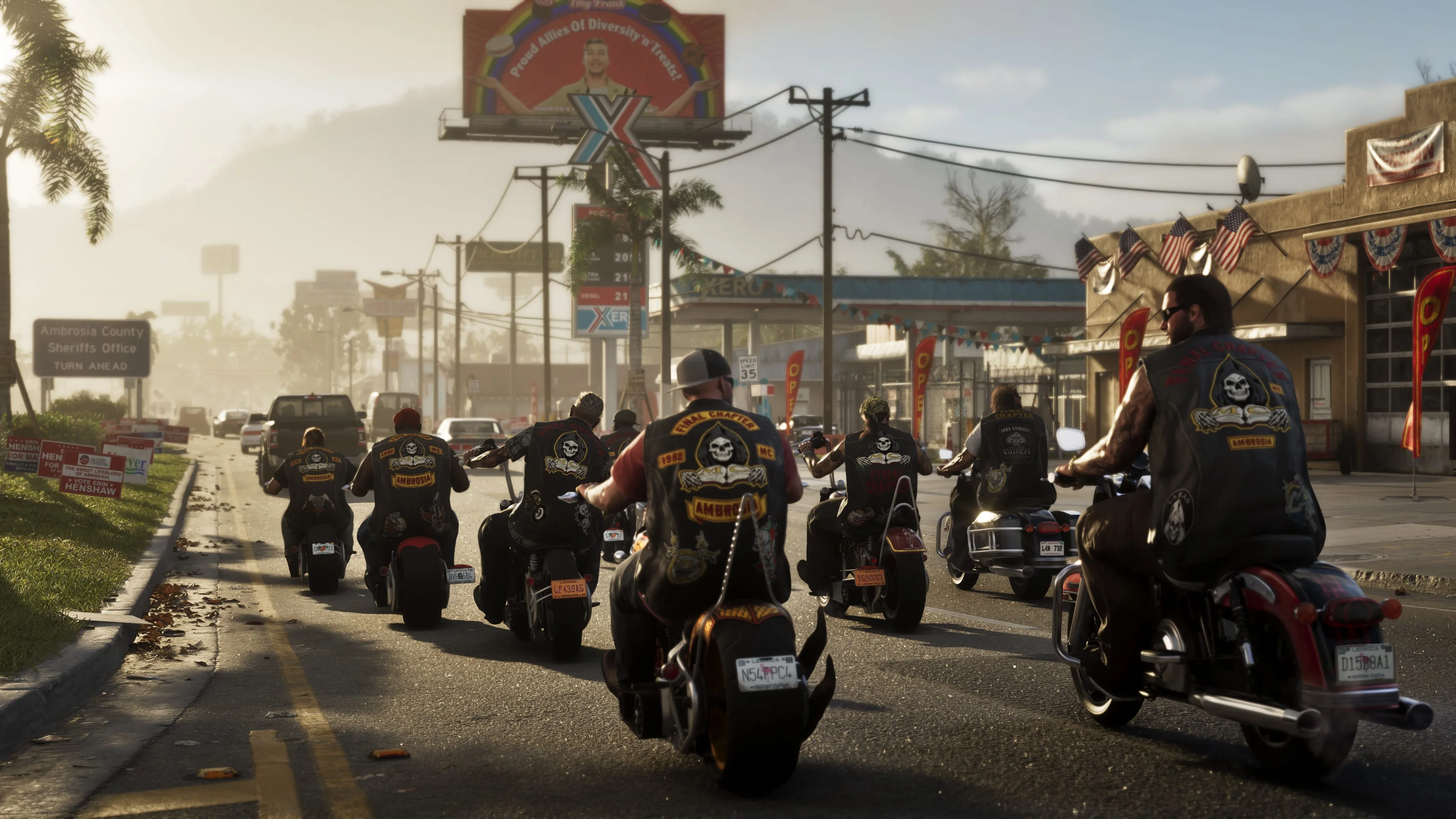
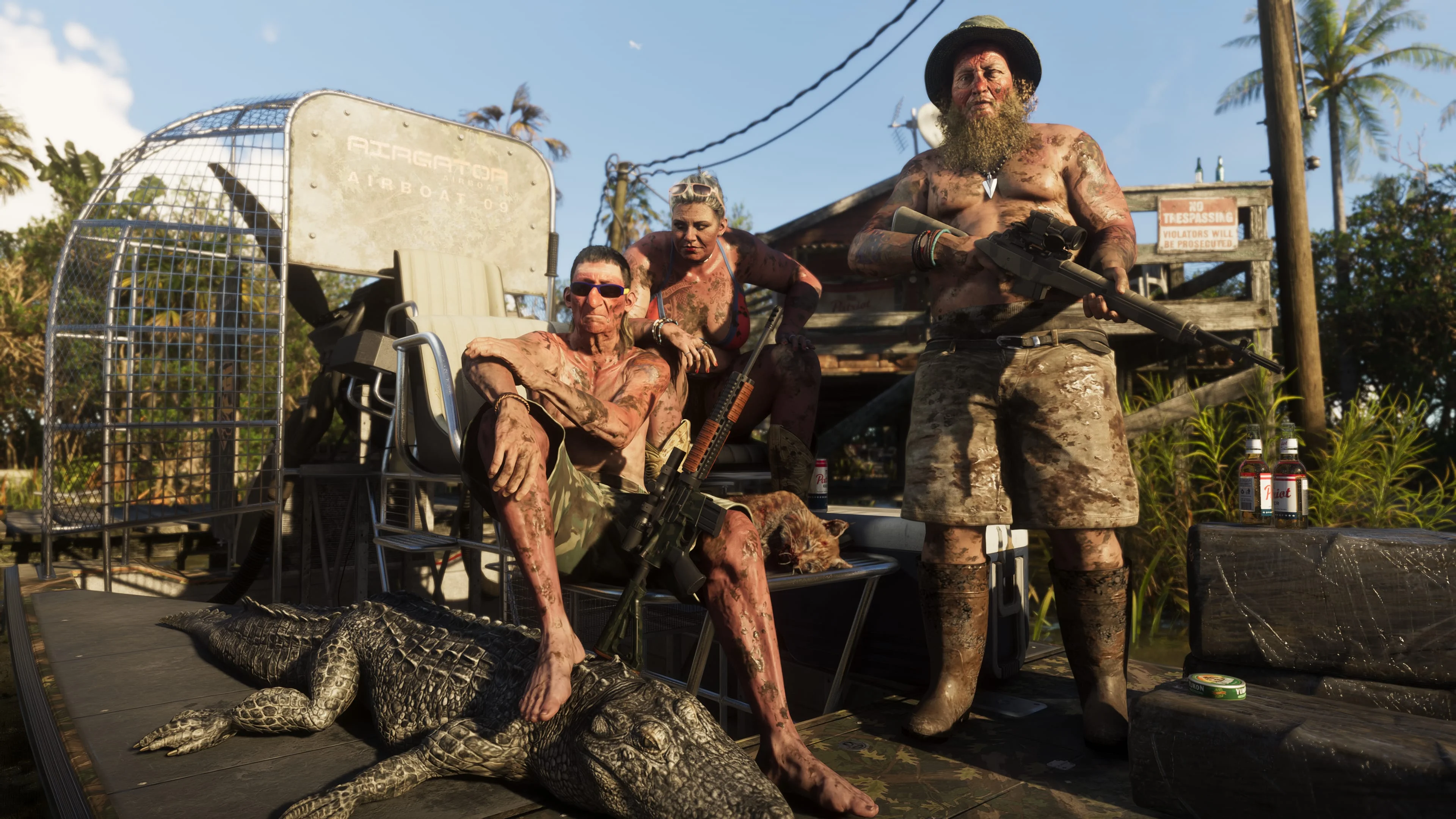
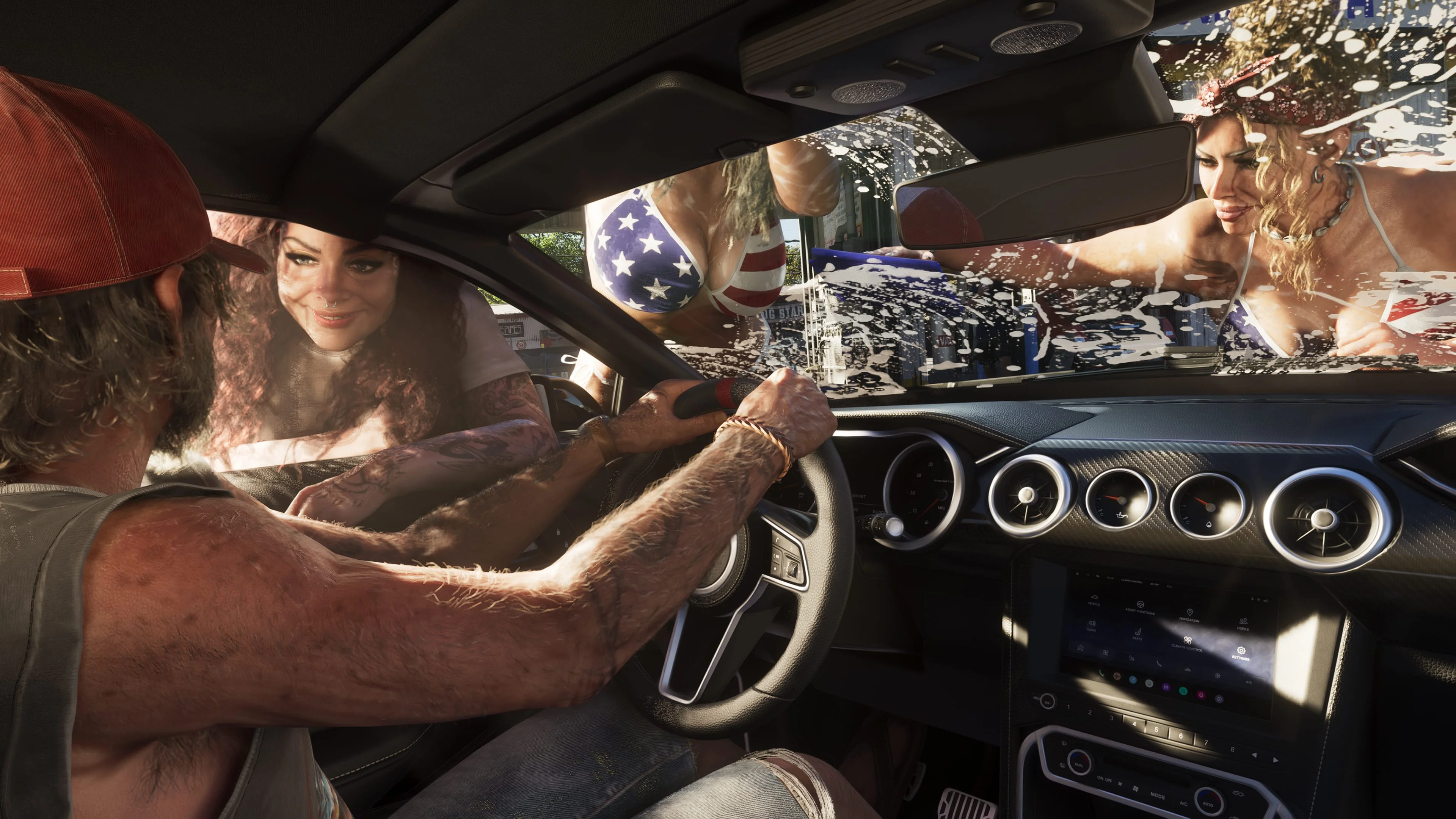
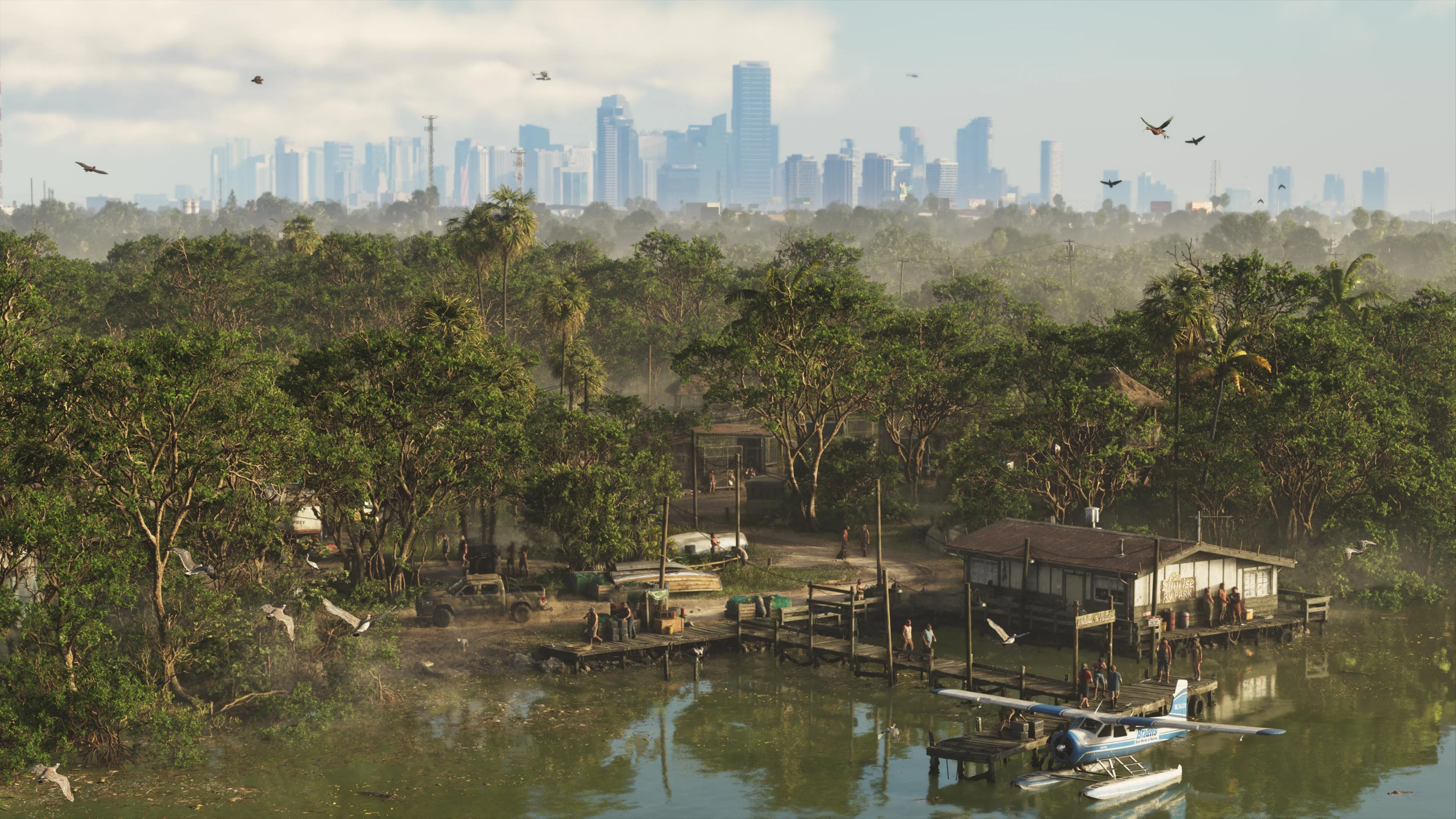
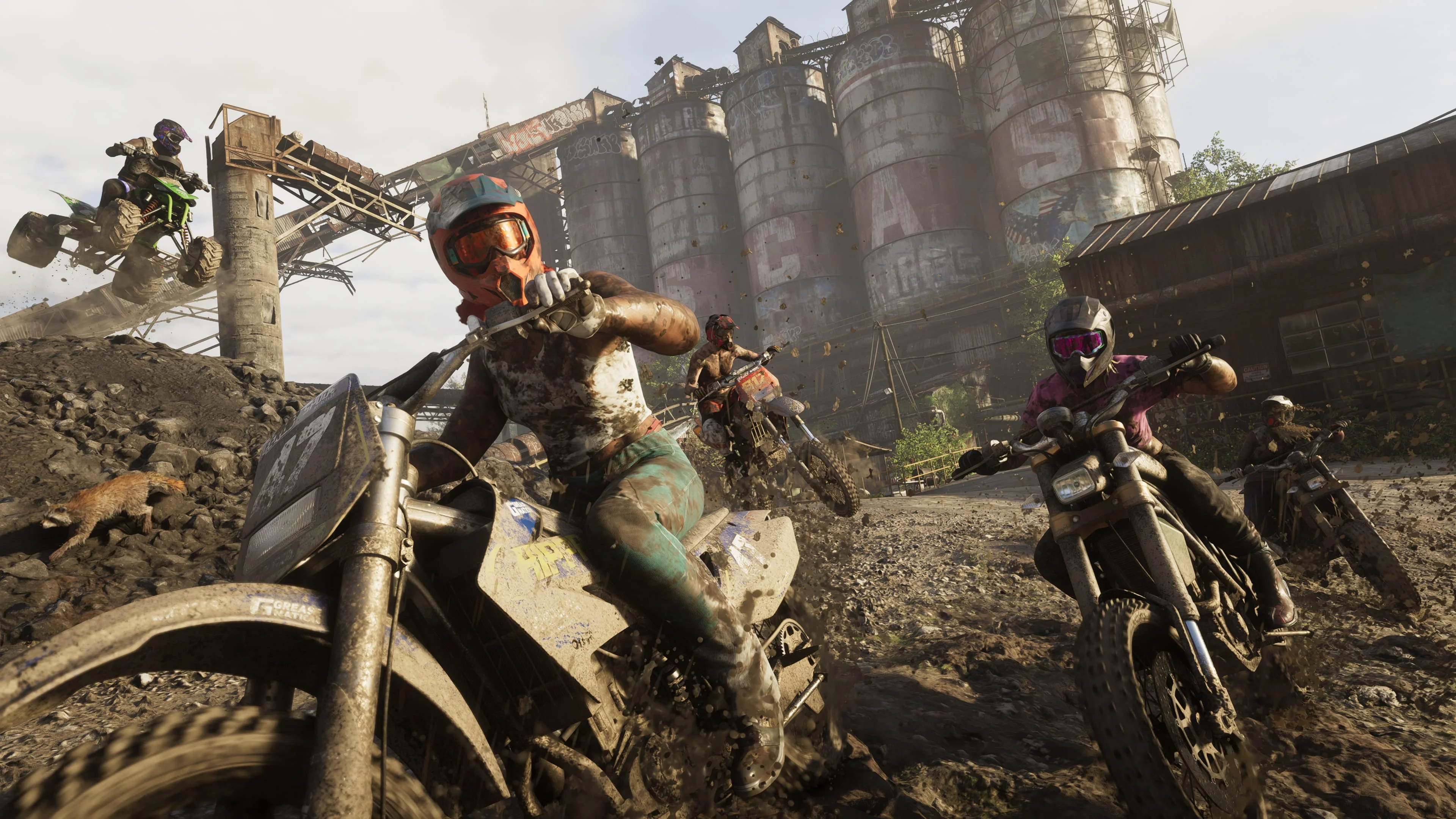
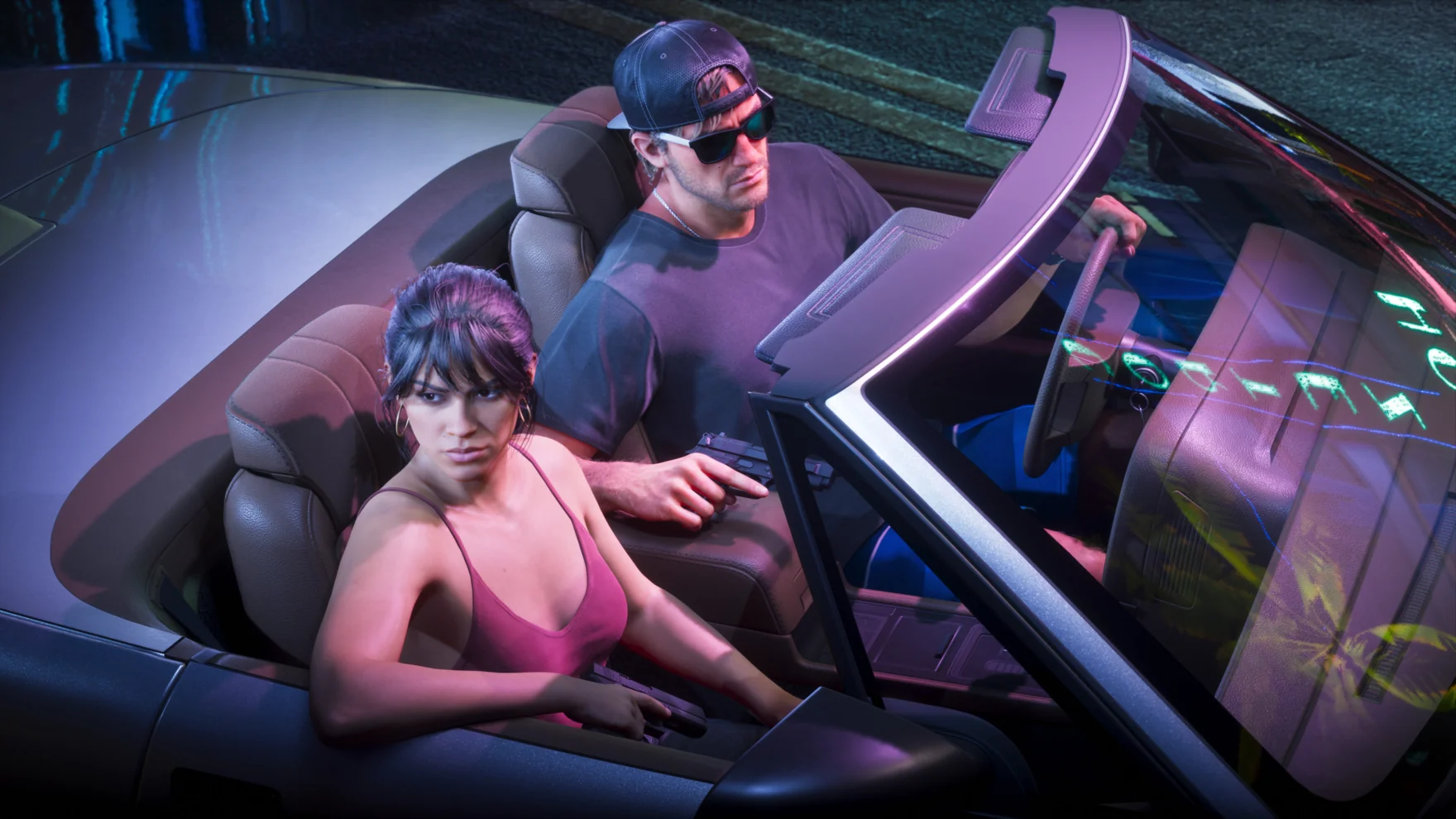
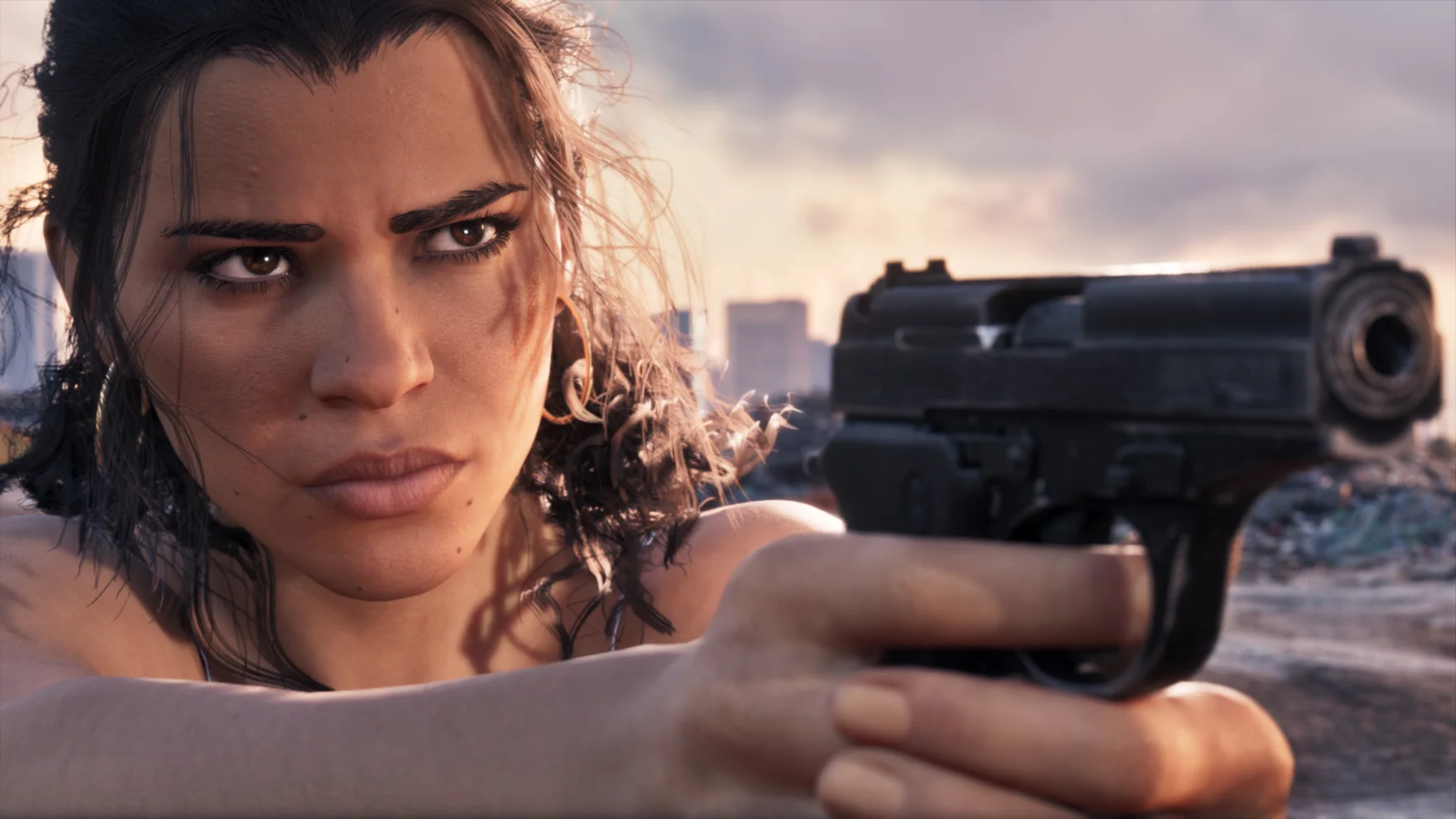
GTA VI / OFFICIAL GAME STILLS
Weapons in the frame.
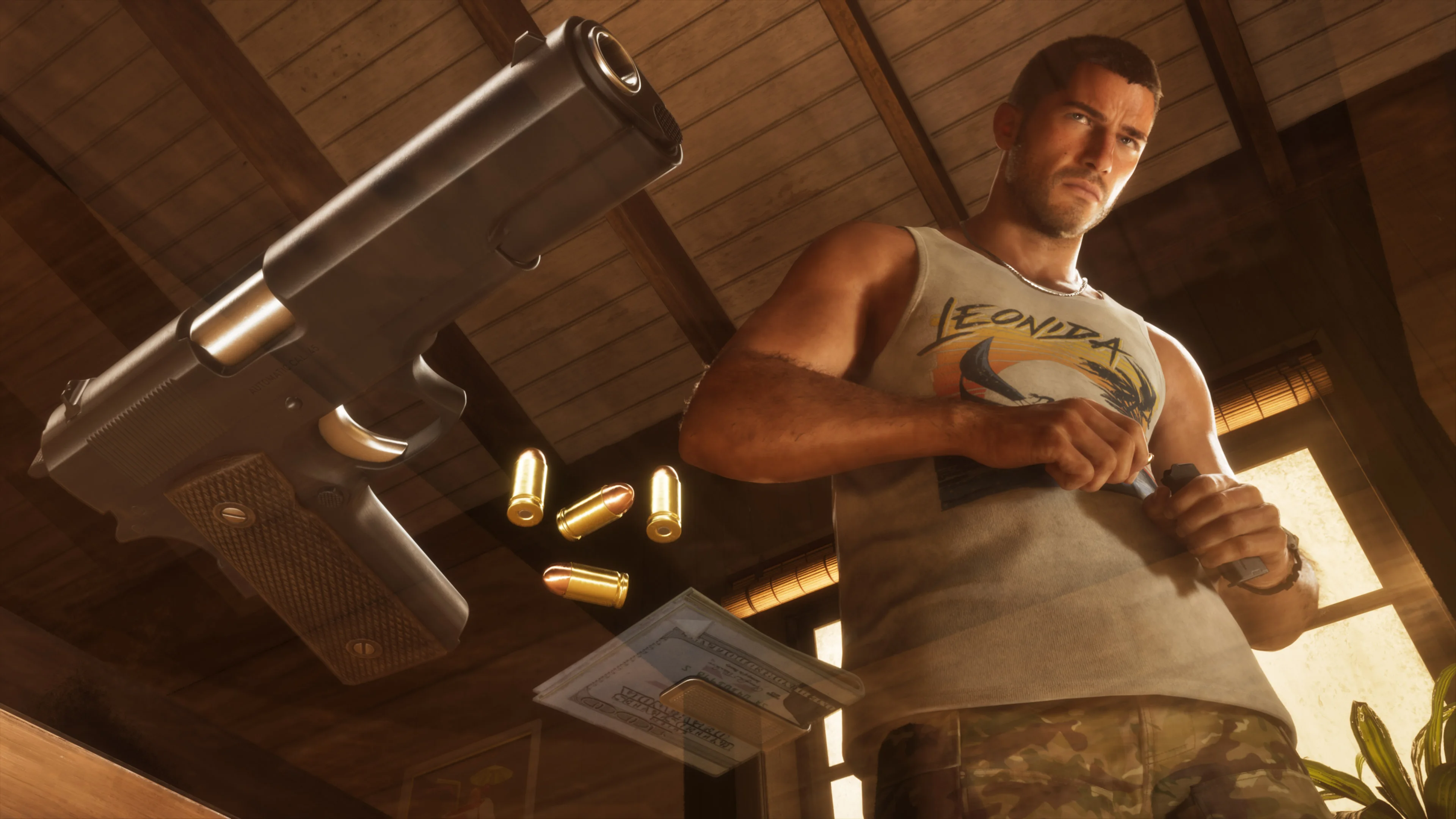
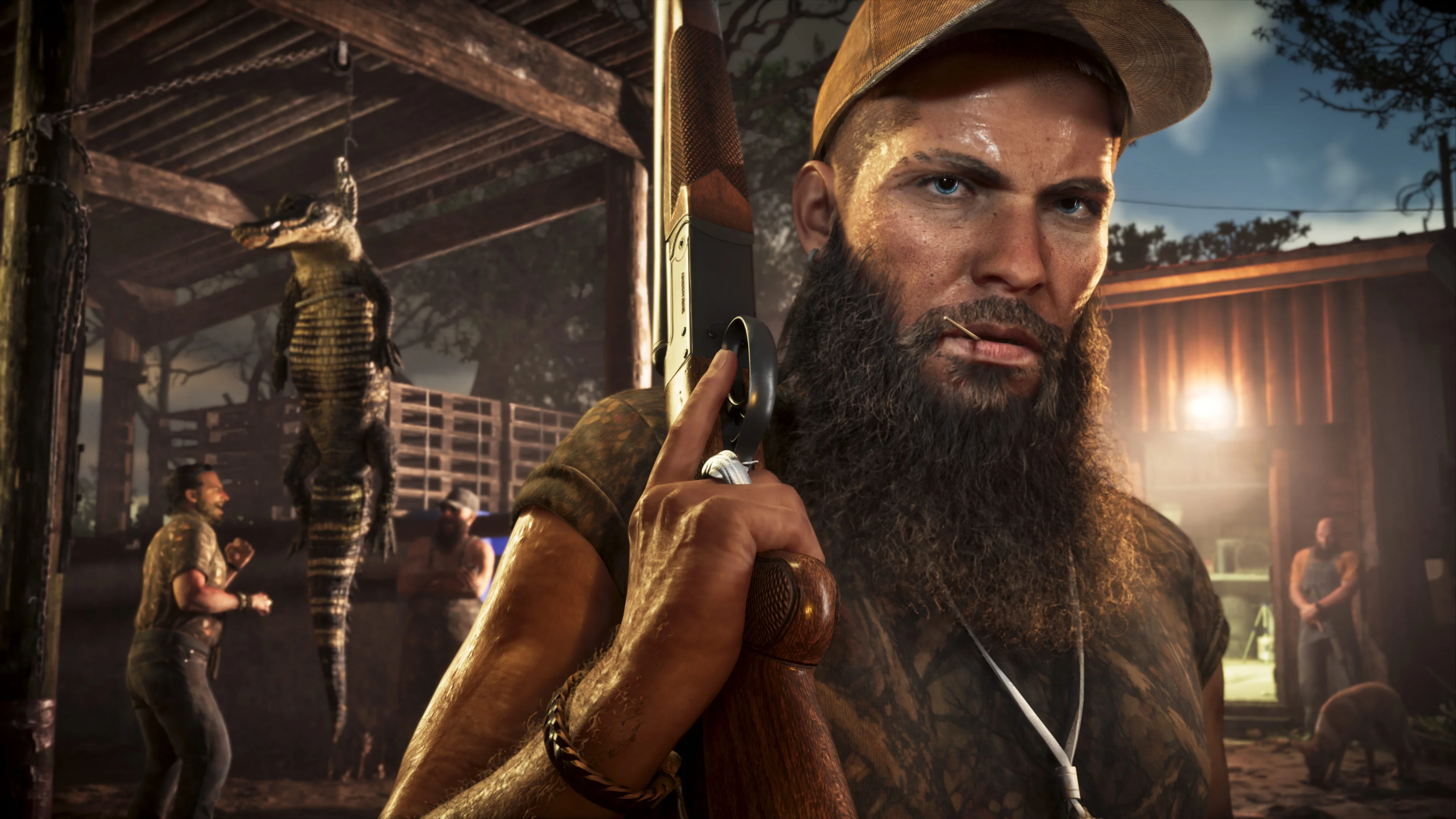
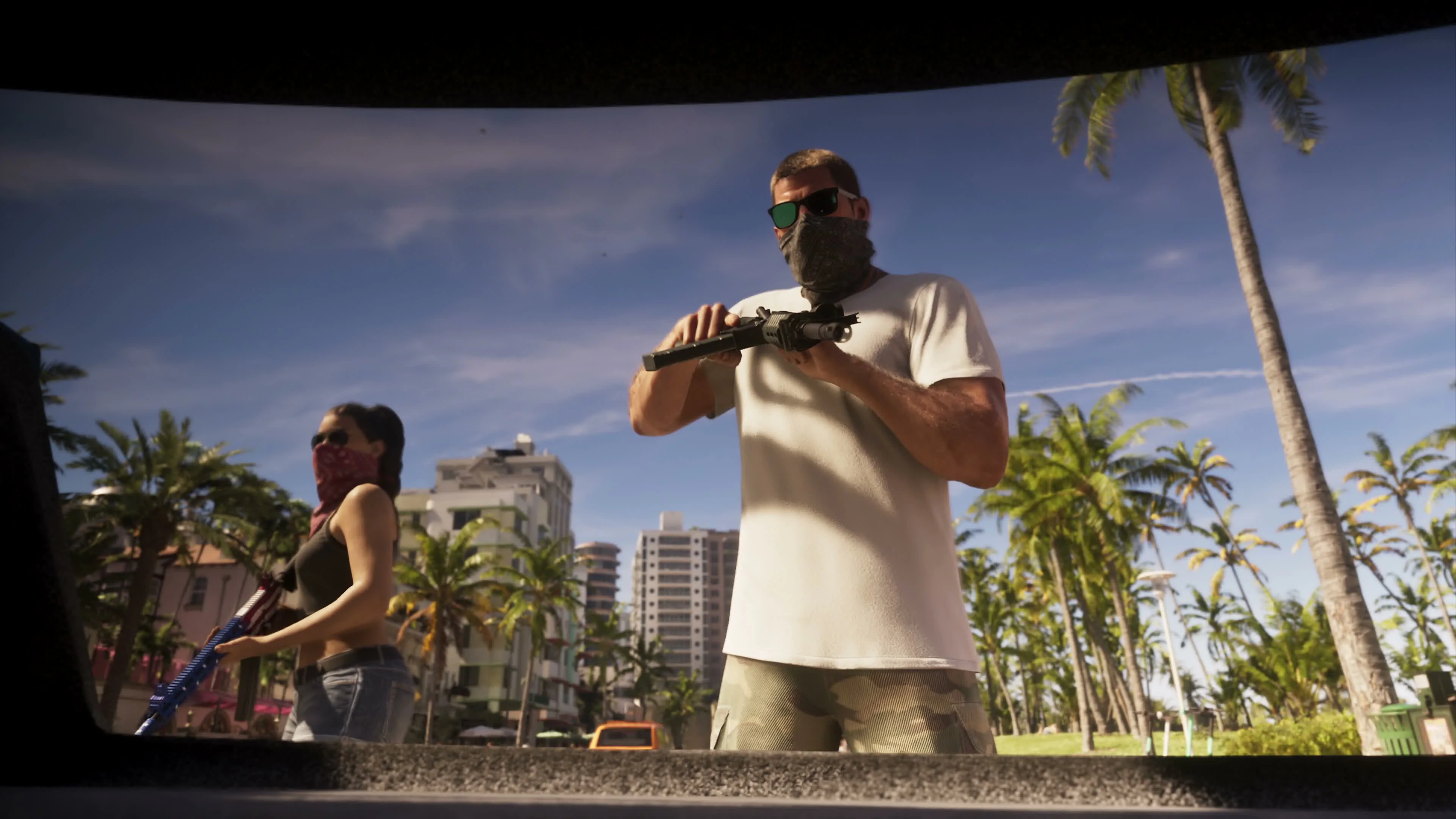
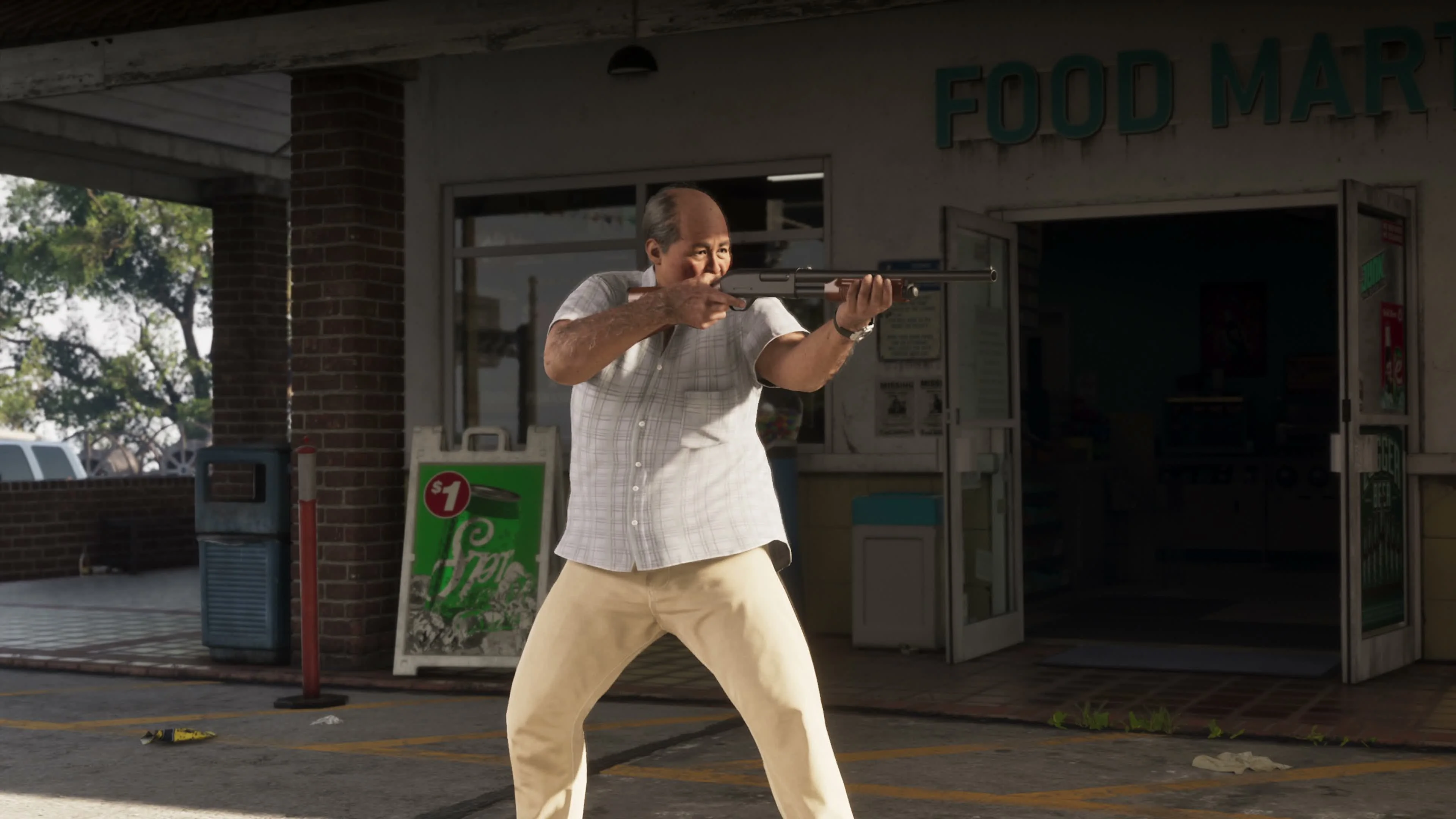
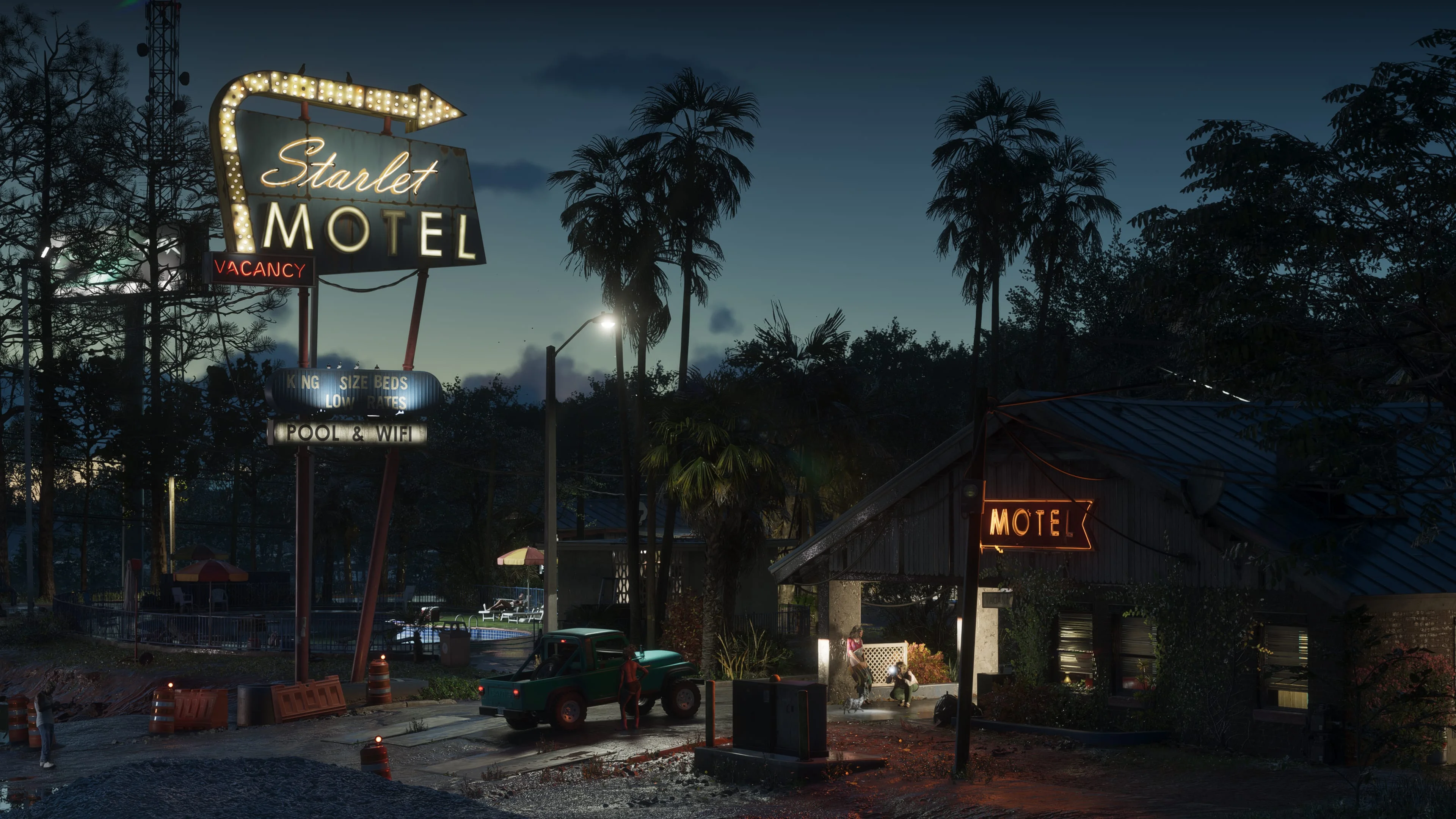
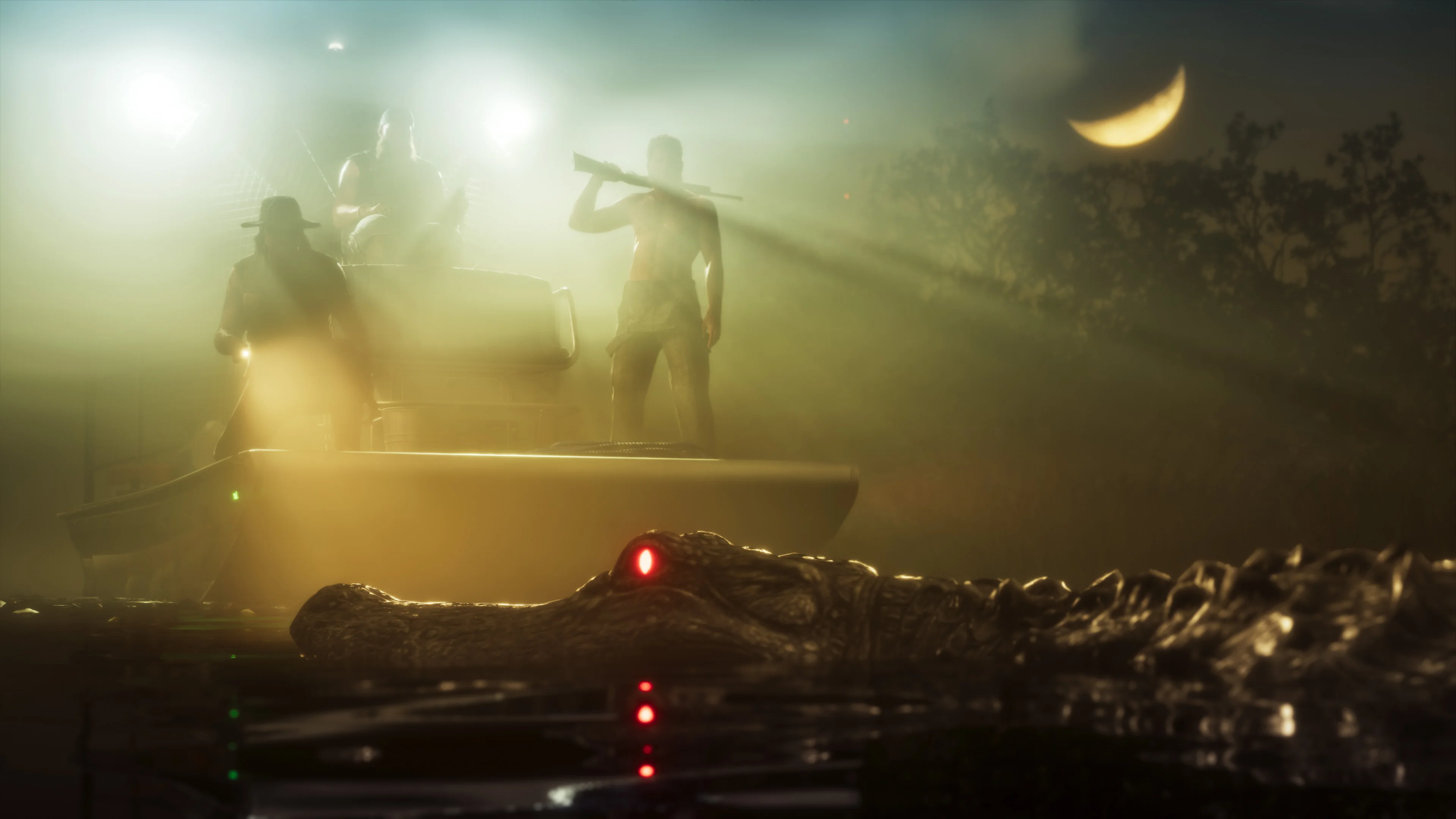
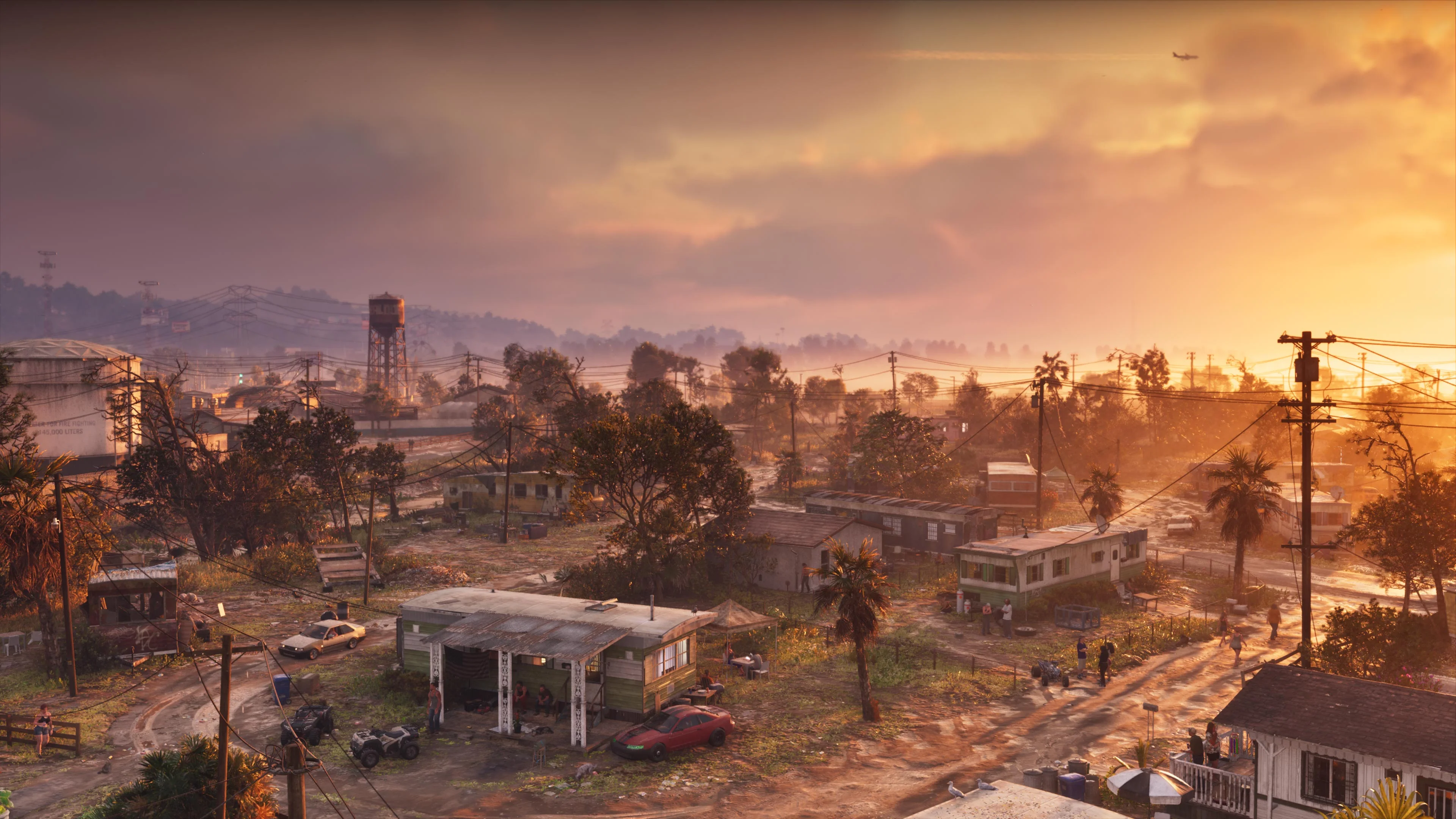
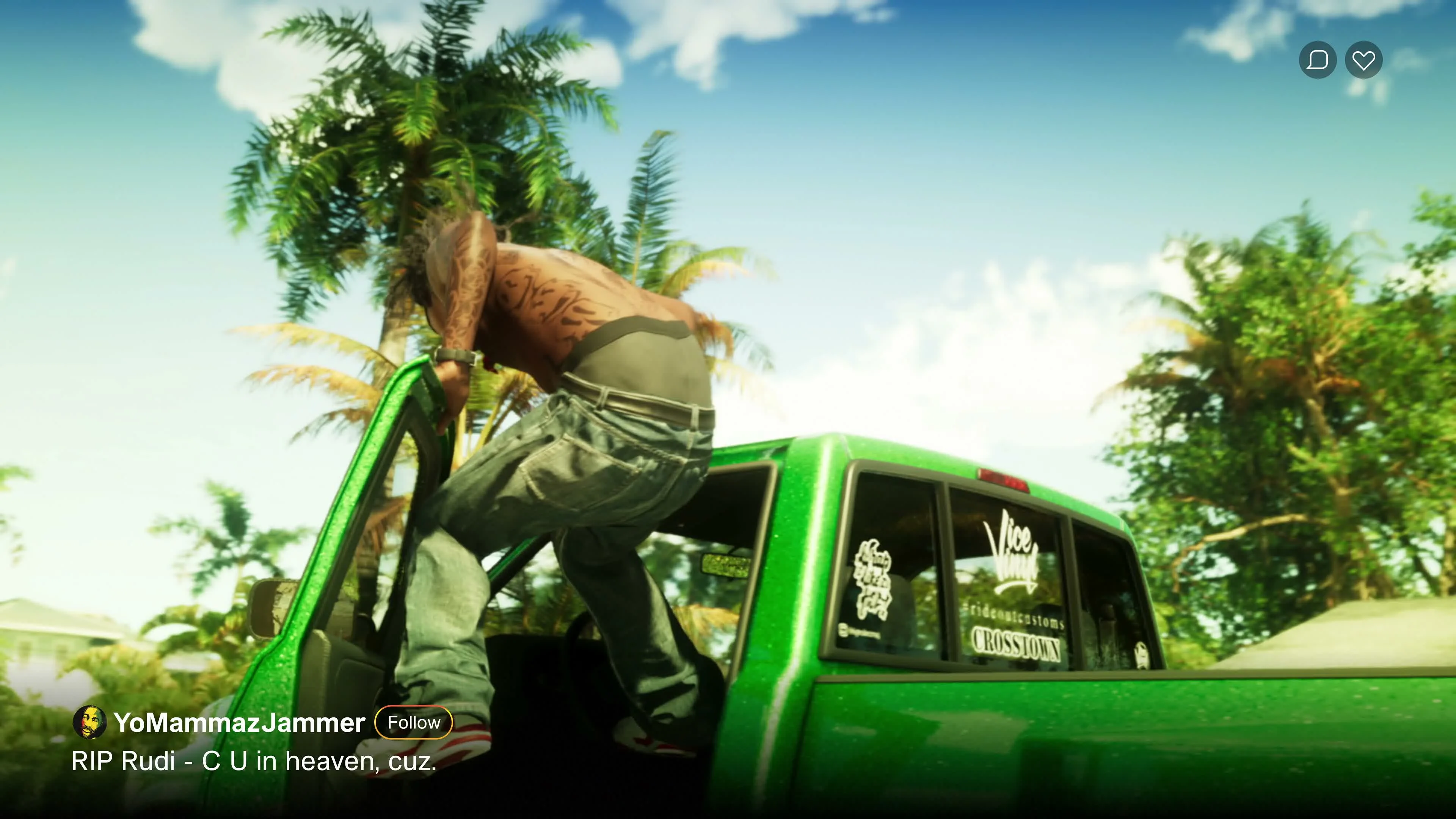
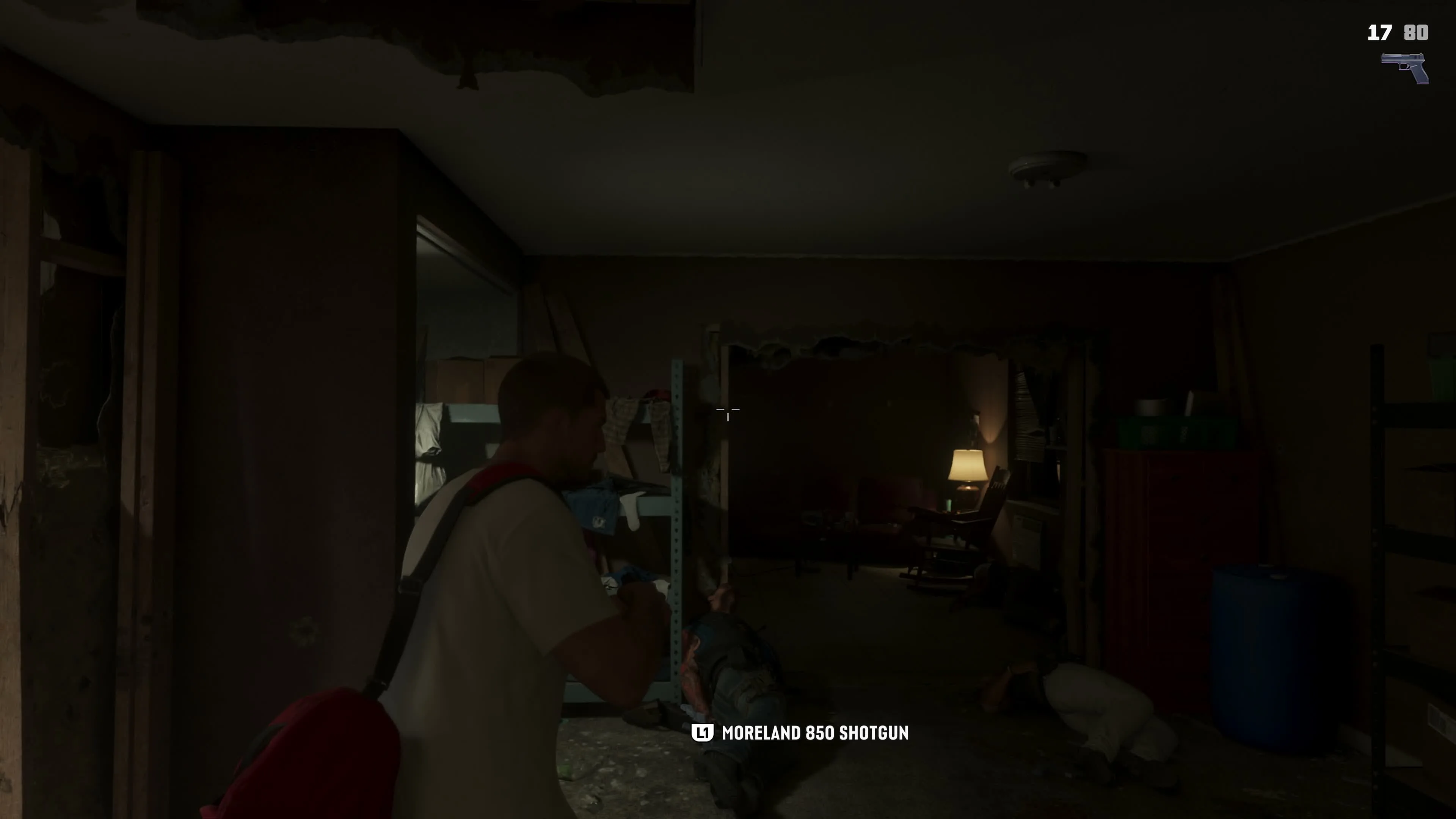
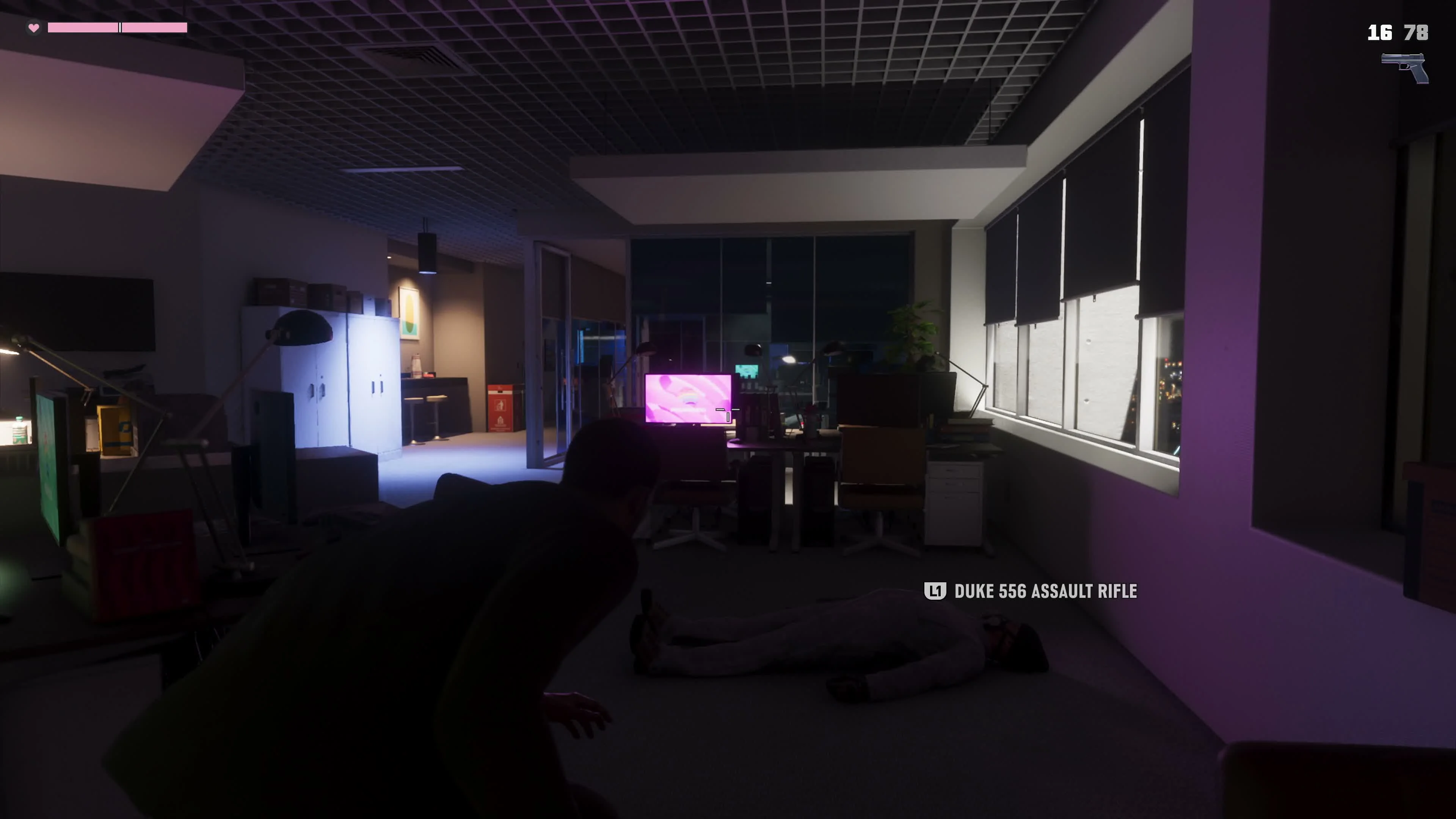
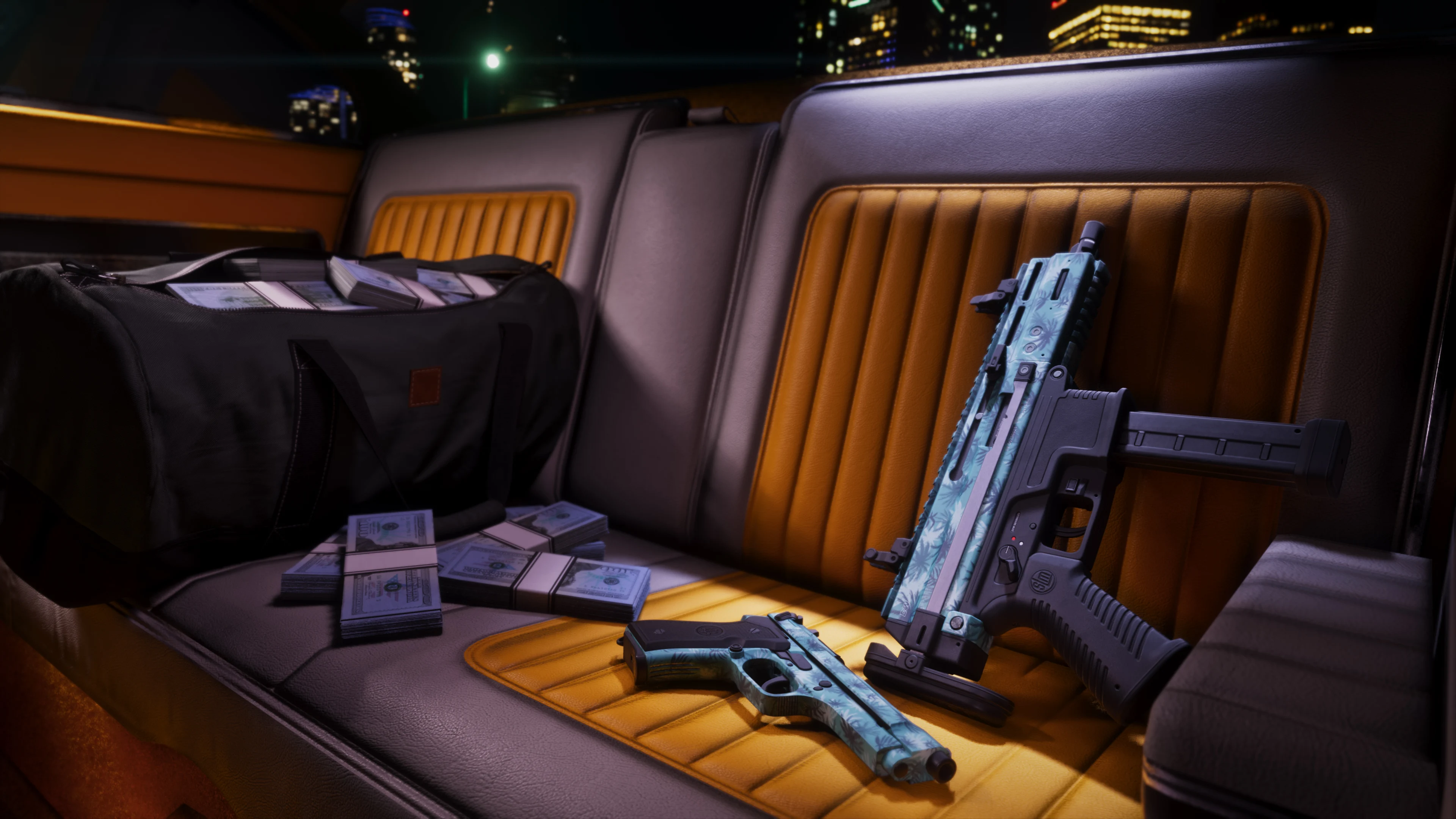
Official 4K stills and gameplay frames from Vice City and beyond. Select a photo to see it full-size. The gallery shows scenes and weapon styles, not verified model IDs.
Rockstar photo: Vintage Vice City finishOfficial cosmetic preview. Rockstar showed the finish, not the exact weapon models. · Rockstar Games
Launch capture sources: GTA Playbook (PS5 build 1.002.001) and The Leonida (build number unreported). Prices are in-game store observations. No fire-rate or magazine figures were verified; ammo carried is not magazine size.
HARDWARE / PS5 & XBOX
Console accessories.
What each upgrade actually gets you, plus what to check before buying. Links go to the manufacturers or their official stores.
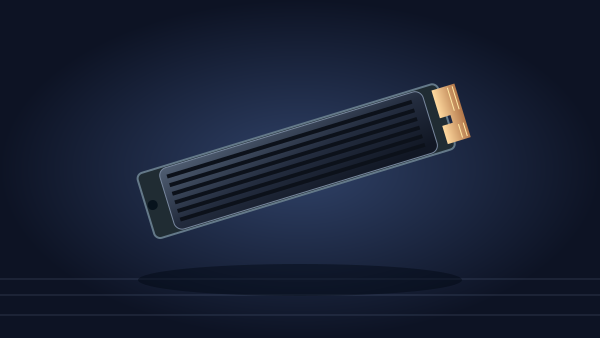
Original illustration
XBOX SERIES X|S / STORAGE
Seagate Storage Expansion Card
Adds storage through the Xbox Series X|S expansion slot. Pick this form factor, rather than a USB drive, when you want to run games optimized for Series X|S from the card.
Best for
Keep more Series X|S games ready to play.
Know before buying
Use the console’s dedicated expansion slot. A USB drive is better suited to archiving games you aren’t playing.
PS5: Sony specifies a supported PCIe Gen4 ×4 M.2 NVMe drive with a cooling structure and recommends at least 5,500 MB/s sequential read. Check heatsink dimensions and the capacity limit for your model. Xbox Series X|S: the compatible route is a console storage expansion card, not a bare PS5-style M.2 drive.
Start by checking free space. There’s no benefit to buying storage just because the game is new.
Sony lists planar magnetic drivers and its PlayStation Link USB adapter for this wireless headset. It’s an option if late-night sessions bother other people in the house or you’d rather keep your phone connected over Bluetooth while the PS5 uses PlayStation Link.
If you already have a comfortable compatible headset, try it before buying another.
Microsoft lists independent earcup dials for volume and game/chat balance, plus simultaneous phone Bluetooth and console connection. These controls are the reason to look at it if you want quick changes without bringing a menu over the game.
Don’t assume an accessory labeled wireless supports both consoles.
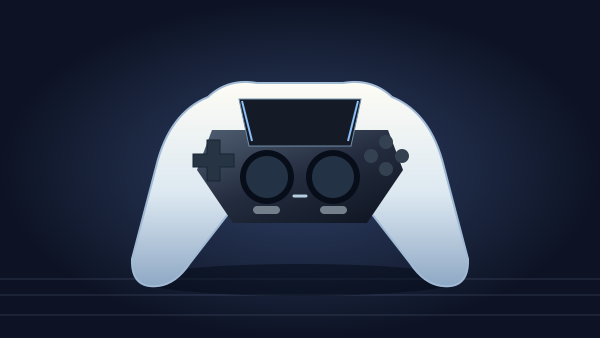
Sony’s Edge offers remapping, quick-swap profiles, adjustable stick sensitivity and trigger dead zones. Consider it if you know which input you want to change. Keep the stock controller if you’re comfortable with the default mapping; an accessory won’t raise the game’s frame rate.
Settings you can actually try, with manufacturer documentation and no pressure to buy an upgrade.
PS5 and Xbox · Console capture
Save the moment after it happens
You don’t need a capture card to save short gameplay clips. On PS5, press Create then select Save Recent Gameplay; some scenes may be blocked. On an Xbox Series controller, the default is tap Share for a screenshot, hold it for a clip.
Try one short capture in a non-story scene and play it back.
Check whether the recording picked up mic or party audio. Turn that off before sharing if you don’t want voices in the clip.
Keep enough footage on either side of the moment for the clip to make sense.
On PS5, open Settings → Sound → 3D Audio (Headphones). Compare the same street scene in stereo and with 3D Audio turned on. Listen for where a passing car is and whether a conversation stays intelligible against the radio.
Keep volume close in both tests. Louder can sound better even when it doesn’t make the scene easier to read.
Sony lists controller speaker, haptics and adaptive triggers among GTA VI’s supported PS5 features. They’re adjustable through the game’s accessibility settings, so try the stock controller at a setting that feels comfortable before shopping for a replacement.
Sony also lists PSSR and ray-traced shadows as PS5 Pro enhancements. Neither is a frame-rate promise; this isn’t a performance comparison or a reason by itself to upgrade.
PS5 games can be stored on USB extended storage, but to play them they must be on the internal drive or a compatible M.2 SSD. On Xbox Series X|S, an ordinary USB drive can archive games that require Xbox Velocity Architecture; use internal storage or a compatible expansion card to play those titles.
If uninstalling a game you no longer play frees enough space, skip the purchase. Don’t buy a PS5-style M.2 for your Xbox.